3 - 8
1.2 Assemble the path
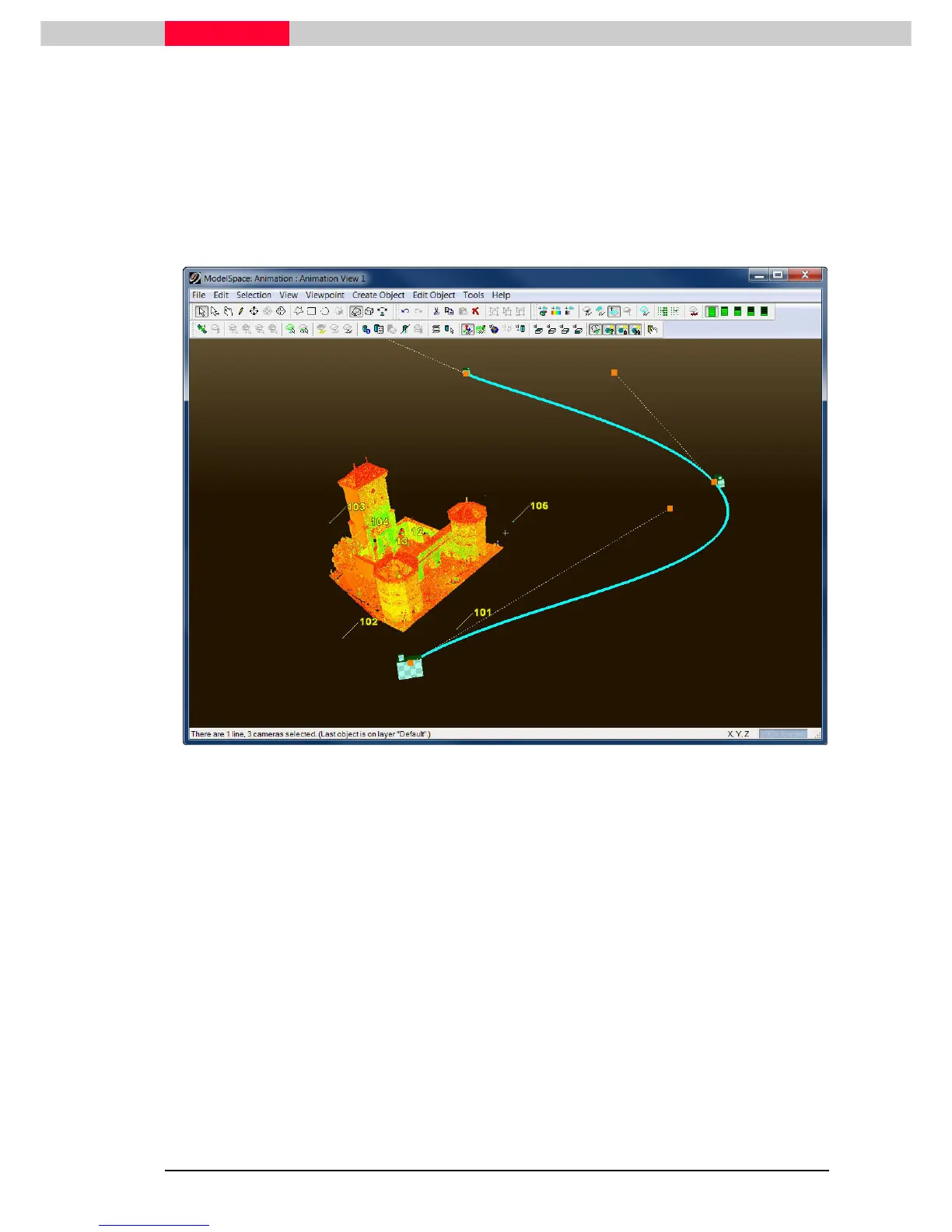
Multi-select the cameras in the order in which the viewpoints will be used during the flythrough,
then execute Tools | Animation | Create Path
Tools | Animation | Create PathTools | Animation | Create Path
Tools | Animation | Create Path
to create the spline curve. See Figure 2.
Tools
ToolsTools
Tools | A
| A | A
| Animation
nimationnimation
nimation |
| |
| Create Path (Loop)
Create Path (Loop)Create Path (Loop)
Create Path (Loop) will create a spline loop that will produce an animation
that can be looped continuously.
Figure 2



 To Next Page