Organization/Visualization point clouds
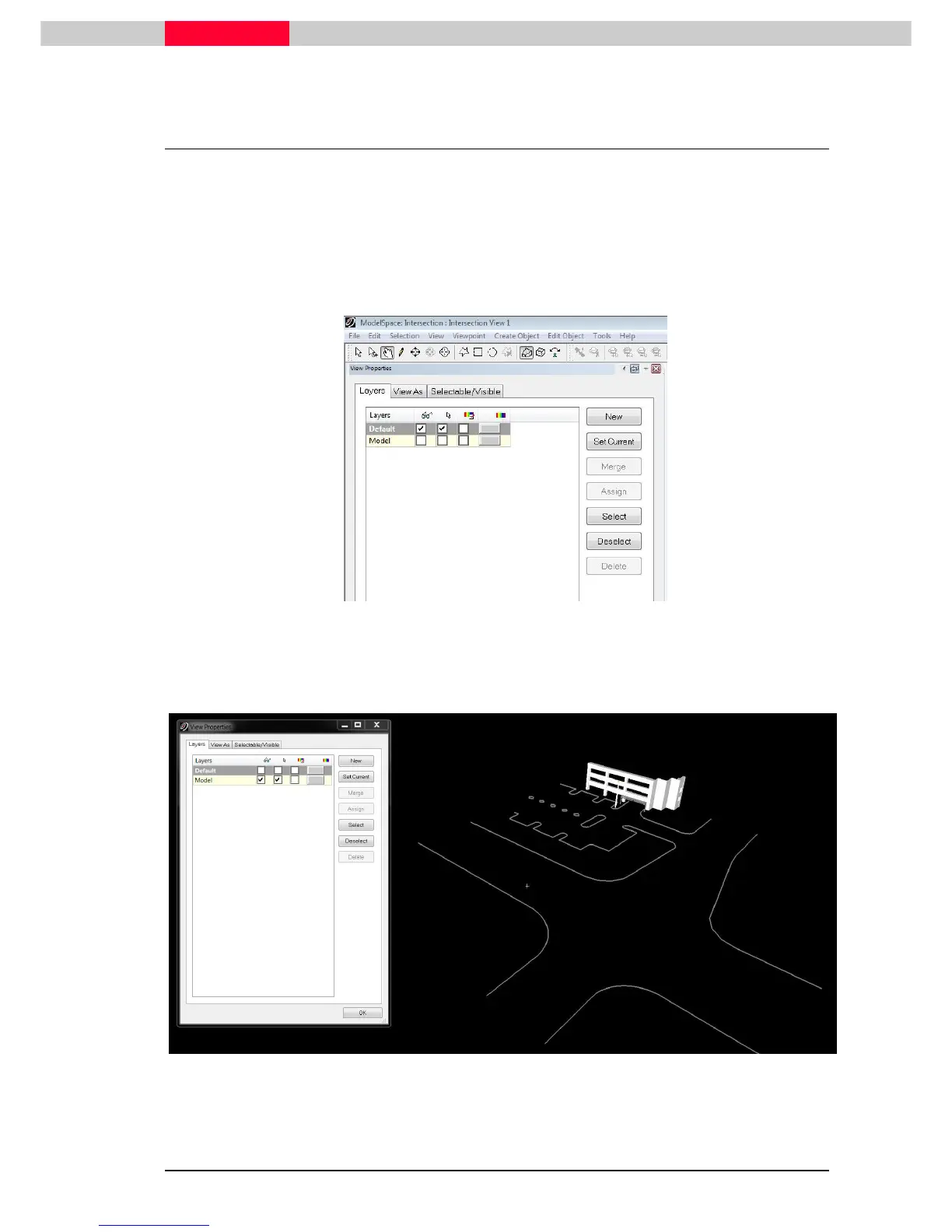
2.2 Layers
Layers are a common method in CAD applications to organise data into manageable sub-
portions. Layers can be made visible, selectable and assigned a default color.
All objects can be assigned to layers. There is already some objects created in this ModelSpace,
which will be assigned to a new layer.
•
Open
Open Open
Open the tab: Layer
Figure 8
•
Toggle off
Toggle offToggle off
Toggle off the visibility of the main scan by un-checking the box “Default”.
•
Toggle on
Toggle onToggle on
Toggle on the visibility of the modelled objects by checking its box “Model”.
Figure 9



 To Next Page