o Images
o Imported Files
o Other (subordinate) Projects
•
KeyPlan
•
ModelSpaces contain ModelSpace Views
6 Examine the Database’s Objects
In this section we will examine the different objects in the QuickStart database. As you examine
the database, familiarize yourself with how the project is laid out spatially.
6.1 Images Folder
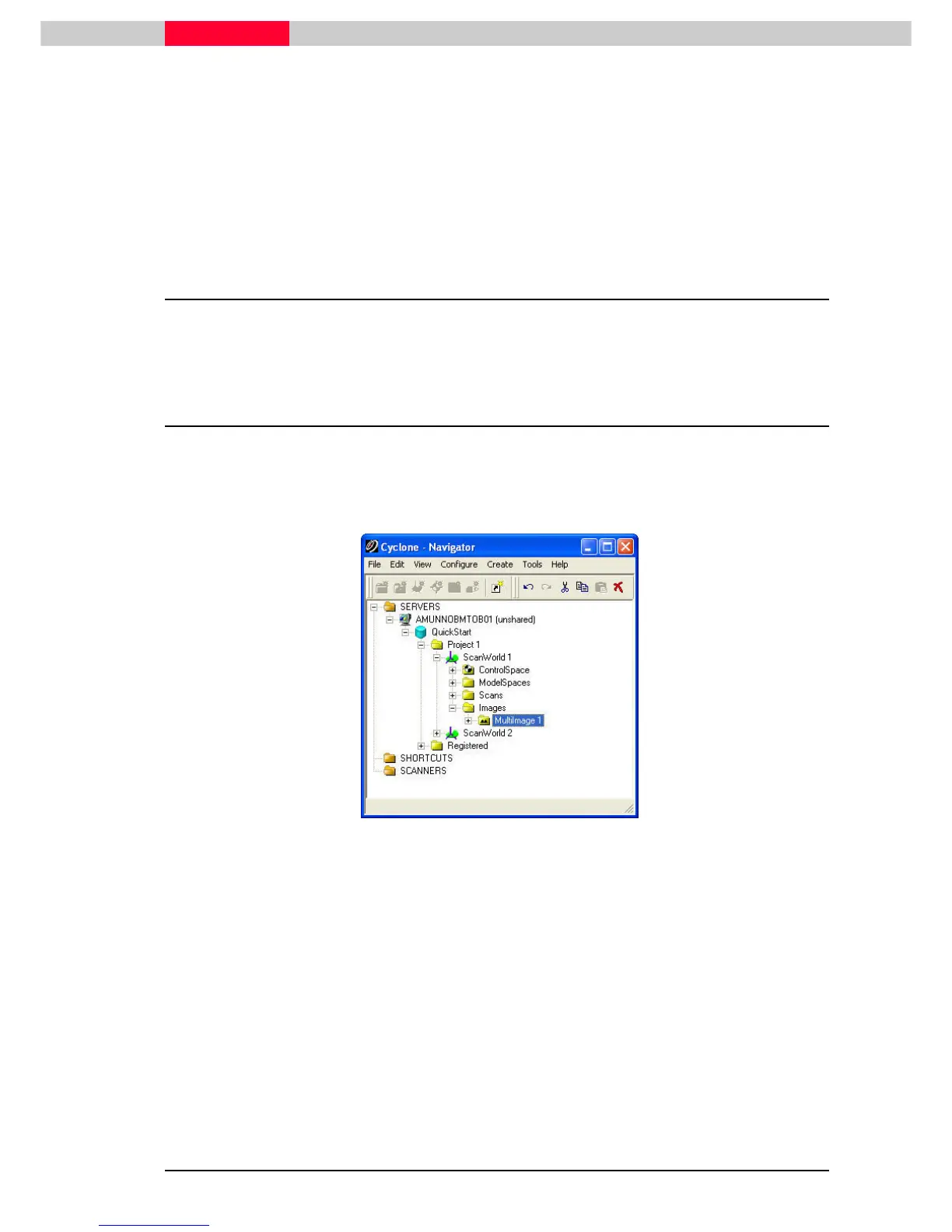
We will first look at the MultiImage taken for ScanWorld 1 and ScanWorld 2.
The database has two project folders, Project1 and Registered. We will look at the Registered
project folder later. Expand the database and Project 1’s hierarchy down to ScanWorld 1’s
MultiImage object by clicking the “+
++
+” sign next to the objects.
Figure 20
Open the MultiImage by double click
double clickdouble click
double click the object named “MultiImage 1” to open it in a separate
window.



 To Next Page