Data Extraction
3.5 Steel Shapes
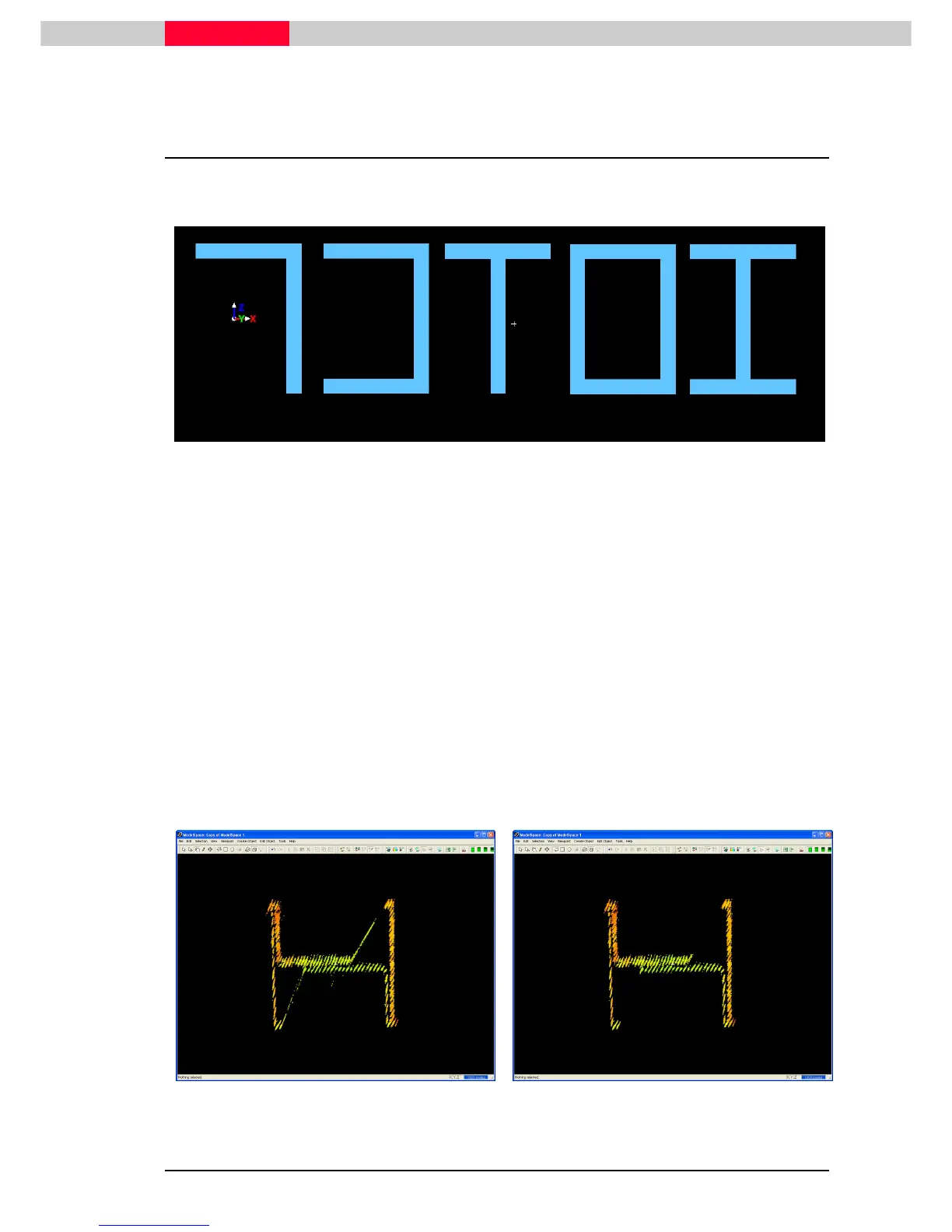
The following types of steel shapes are available for fitting in Cyclone:
Angles, Channels, Tees, Rectangular Tubes, and Wide Flanges.
Figure 41
In this section we will fit a wide flange to the point clouds representing the legs of the silo
structure. First we will sub-select the appropriate points, then clean the point cloud, then fit the
wide flange.
1) Draw a fence around any of the four vertical legs of the silo structure.
2) Click File | Launch | Copy Fenced To New ModelSpace.
3) In the new ModelSpace View, draw a fence around a good portion of the points representing
the wide flange.
4) Delete the points outside of the fence by clicking Edit | Fence | Delete Outside.
A hotkey to delete points outside of a fence is Shift + O, whereas to delete
points inside of a fence, press Shift + I.
5) Now, switch to orthographic projection mode and move the viewpoint so as to look top
down the center of the wide flange.
6) Clean the noise that exists between the web and flange using the polygonal fence and Shift
+ I or Shift + O to delete points inside or outside, respectively. (Figure 43)



 To Next Page