4 - 22 Module 2.0 – Navigator & Navigator’s Objects Introduction to Cyclone
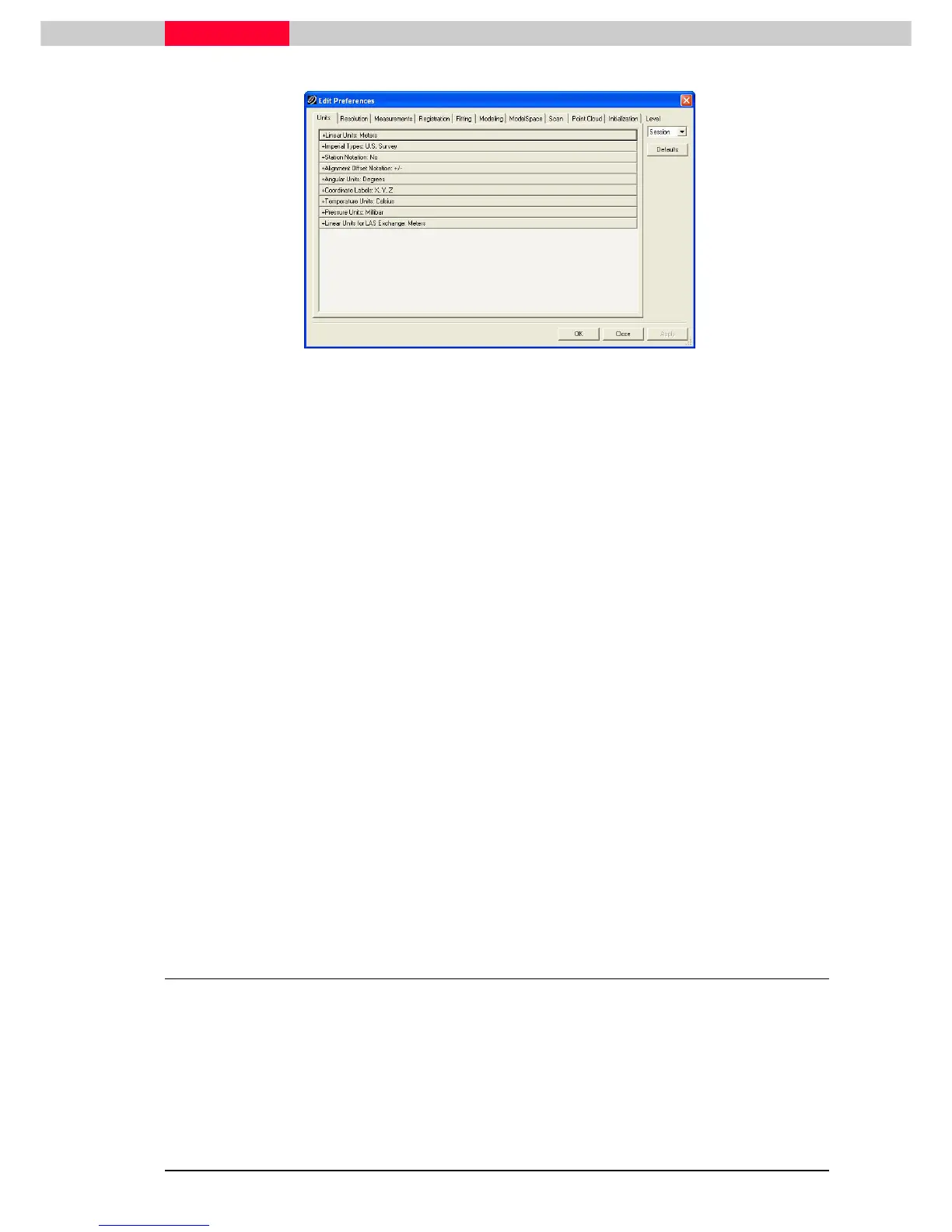
Figure 2
“Session” and “Default” Settings
Changes made to preferences can be set at different levels.
Any preference changes made at the Session level will only be in effect for the duration of the
working session.
Any changes made at the Default level will be persistent for the current and for all future
sessions until changed.
For example, you may want to always work in Cyclone in Feet by default. You would then change
the linear working unit’s preference to feet at the default level, ensuring that every time you
launch Cyclone all measurements will be in Feet.
Change preference for Units
•
From any Cyclone window, click Edit | Preferences
Edit | PreferencesEdit | Preferences
Edit | Preferences.
•
Change the level at which the preferences are to be changed to Default using
the Level dropdown list.
•
Change the Units
UnitsUnits
Units | Linear Units
| Linear Units | Linear Units
| Linear Units preference to Feet
FeetFeet
Feet.
•
Make any other preference changes as directed by your instructor.
•
Click OK
OKOK
OK or Apply
ApplyApply
Apply to confirm the changes.
Cyclone ships with preset default preferences. To return to the factory set preferences for the
active tab, click the Defaults button below the level dropdown list.
1.3 Customizing Cyclone Settings
The settings for defined tool bars and hot keys may be retained and exported / imported so that
you can always return to certain settings.
Export / Import Customizations
•
In the
Navigator
select Edit |
Edit |Edit |
Edit | Export Customizations
Export Customizations Export Customizations
Export Customizations to export current settings.
•
In the
Navigator
select Edit | Import Customizations
Edit | Import CustomizationsEdit | Import Customizations
Edit | Import Customizations to import saved settings.



 To Next Page