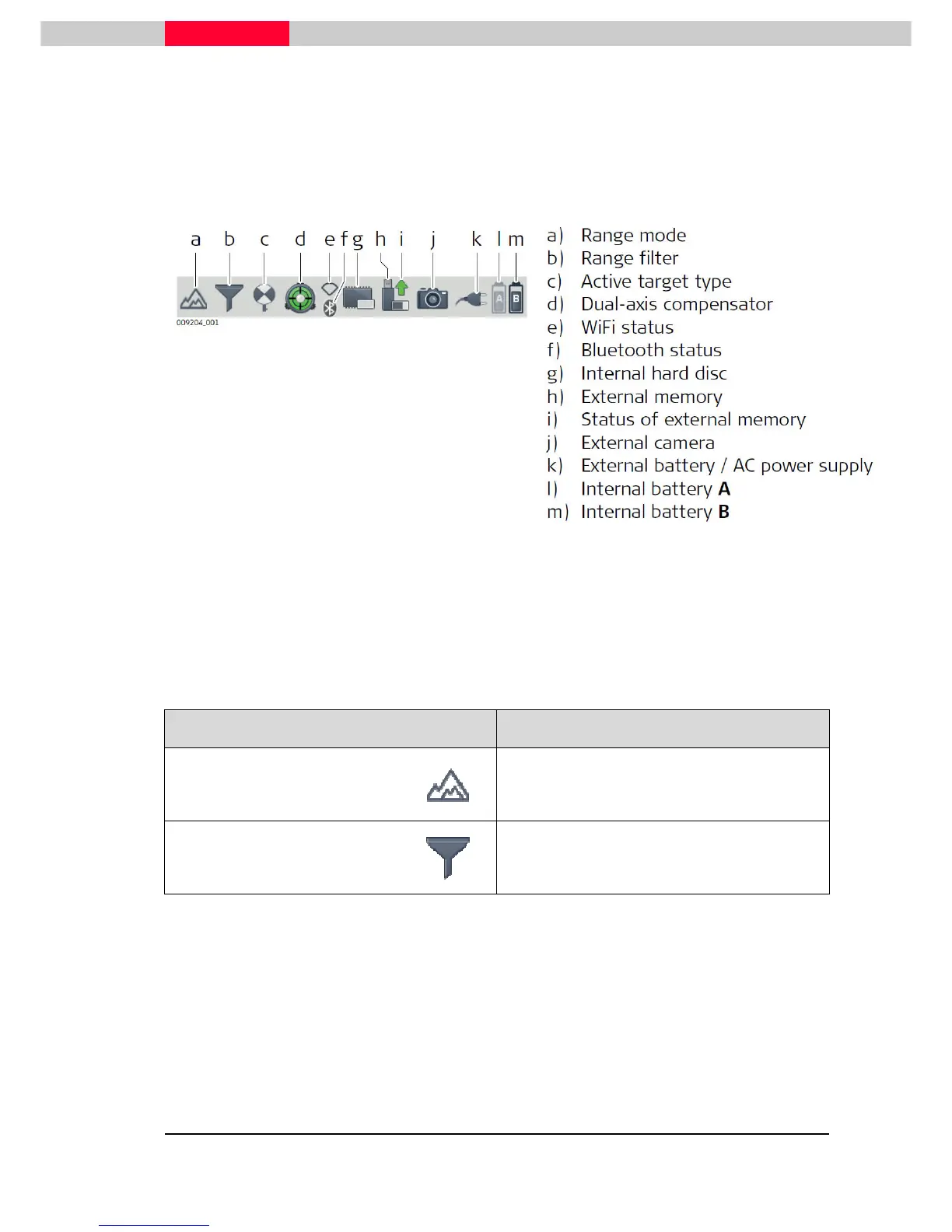
Status Bar
Status bar icons display status information of the instrument. Their appearance changes
accordingly to the system status.
Figure 12
Internal battery
A
indicates the status of the battery in compartment
A
which is located at the
same side cover as the touchscreen.
Internal battery
B
indicates the status of the battery in compartment
B
at the opposite side
cover without a screen.
Icon Description
Range Mode
Range mode enabled (P40 only)
Range filter
Range filter enabled



 To Next Page