Figure 51
So far all scans have been aligned to each other only. The local coordinate system of Station 1
has been used and all other scans have been transformed to this one. (By default the first
ScanWorld added to the registration)
In this part of the exercise, we will learn how to register all ScanWorlds from the local coordinate
system into a geo-referenced coordinate system of the Blutenburg castle.
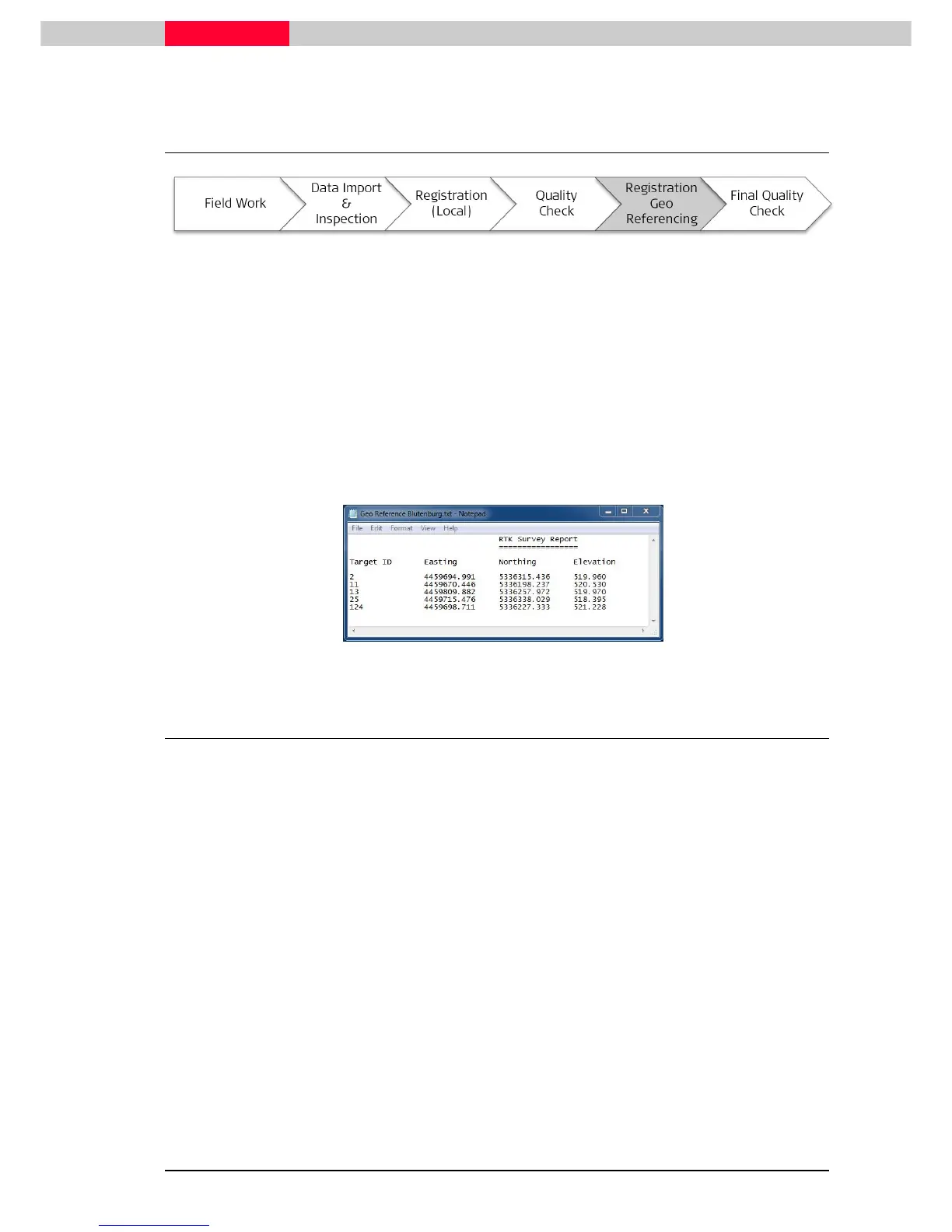
During the project, some black & white targets were also acquired by GPS and TPS based
measurement resulting in national grid coordinates. The center points of the targets were
directly coordinated.
This information is found in the file Geo Reference Blutenburg.txt. You can view the file with
any text editor, such as Notepad.
6.1 Unfreeze the existing Registration
Since we have already finished and frozen our
Registration 1
, it is locked for any further editing.
Before we can continue to work on this, we will have to open it up again.
Figure 52



 To Next Page