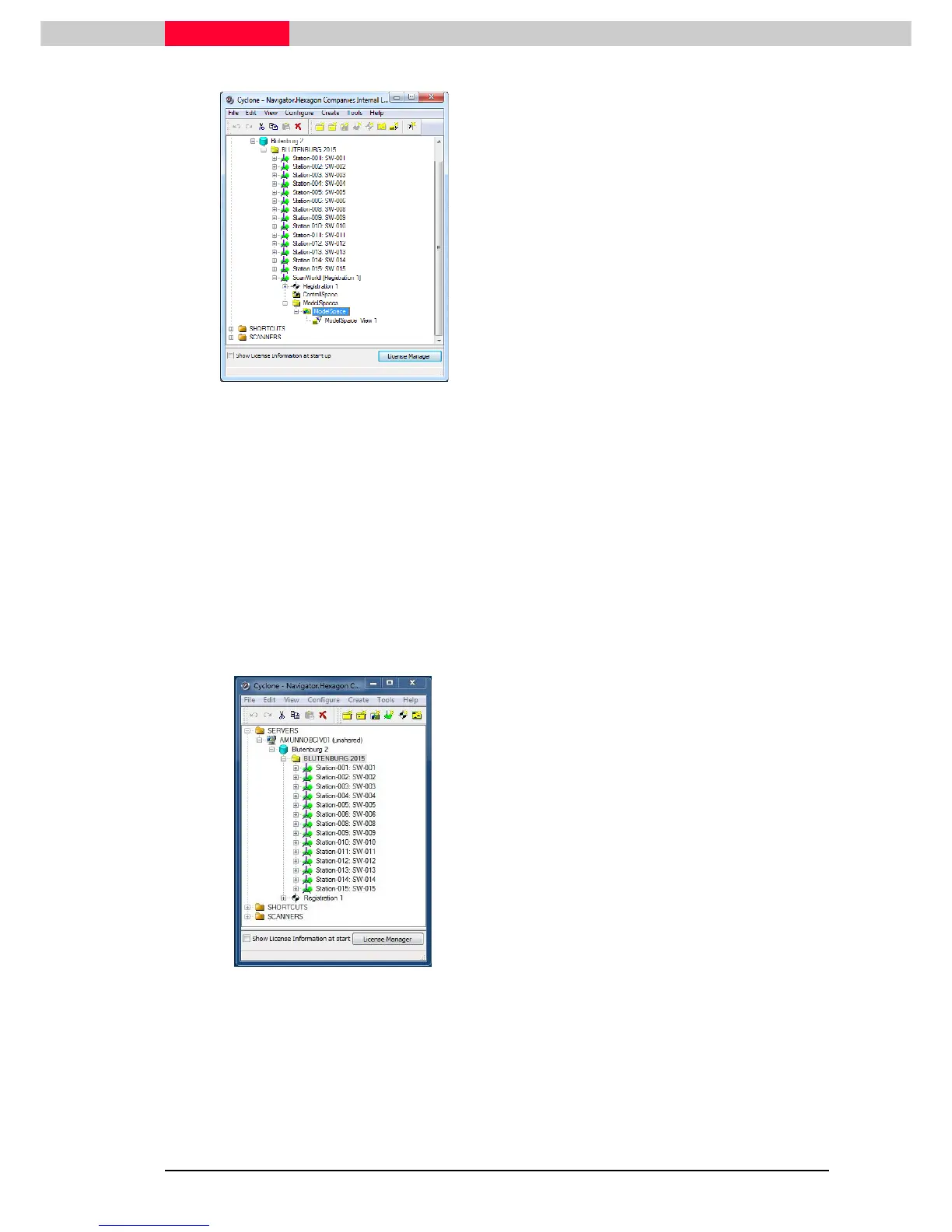
Figure 53
•
In the Cyclone Navigator go to
ScanWorld
[Registration 1]
•
Select the
ModelSpace
and delete it
manually (e. g. delete key)
This is a safety setting to avoid any involuntary deletion of data. A registered
ScanWorld can only be unfrozen if no ModelSpaces are present under it.
Now we can open the registration object:
•
Double click onto the registration object
Registration 1
•
The registration window will be opened
•
Go to
Registration | Unfreeze Registration
If there are still any ModelSpaces under the ScanWord, Cyclone is asking you to
delete them first.
Figure 54
•
Go to the
Cyclone Navigator
•
Notice how the
ScanWorld [Registration1]
has been deleted and the structure displays
the
Registration 1
again only.
The Registration has now been re-opened for
further editing.
This step is only required if a Registration has already been frozen and requires re-editing.



 To Next Page