7.2 ControlSpaces
A
ControlSpace
is similar to a ModelSpace View. It is used as a container for all objects attached
to its parent ScanWorld that are designated as constraint objects or possible constraint objects
for a Registration.
Constraints
are defined as pairs of equivalent or overlapping objects that exist in two
ScanWorlds. Objects involved in these constraints are maintained in a Controlspace where they
can be reviewed, organized and removed.
As a sample: a target constraint defines a pair of two acquired targets from different scan
locations with an identical TargetID.
Characteristics of a ControlSpace
•
The ControlSpace is used to organize possible constraints for registrations.
•
Objects in the ControlSpace cannot be moved or resized.
•
Every ScanWorld by default has its own unique ControlSpace.
•
ControlSpaces cannot be moved, copied, or deleted.
When a ScanWorld is
created
, a default ControlSpace is automatically created and placed within
the ScanWorld in the Navigator window.
When a ScanWorld is
added
to a Registration, a ControlSpace linked to that specific Registration
is created as a copy of the default ControlSpace.
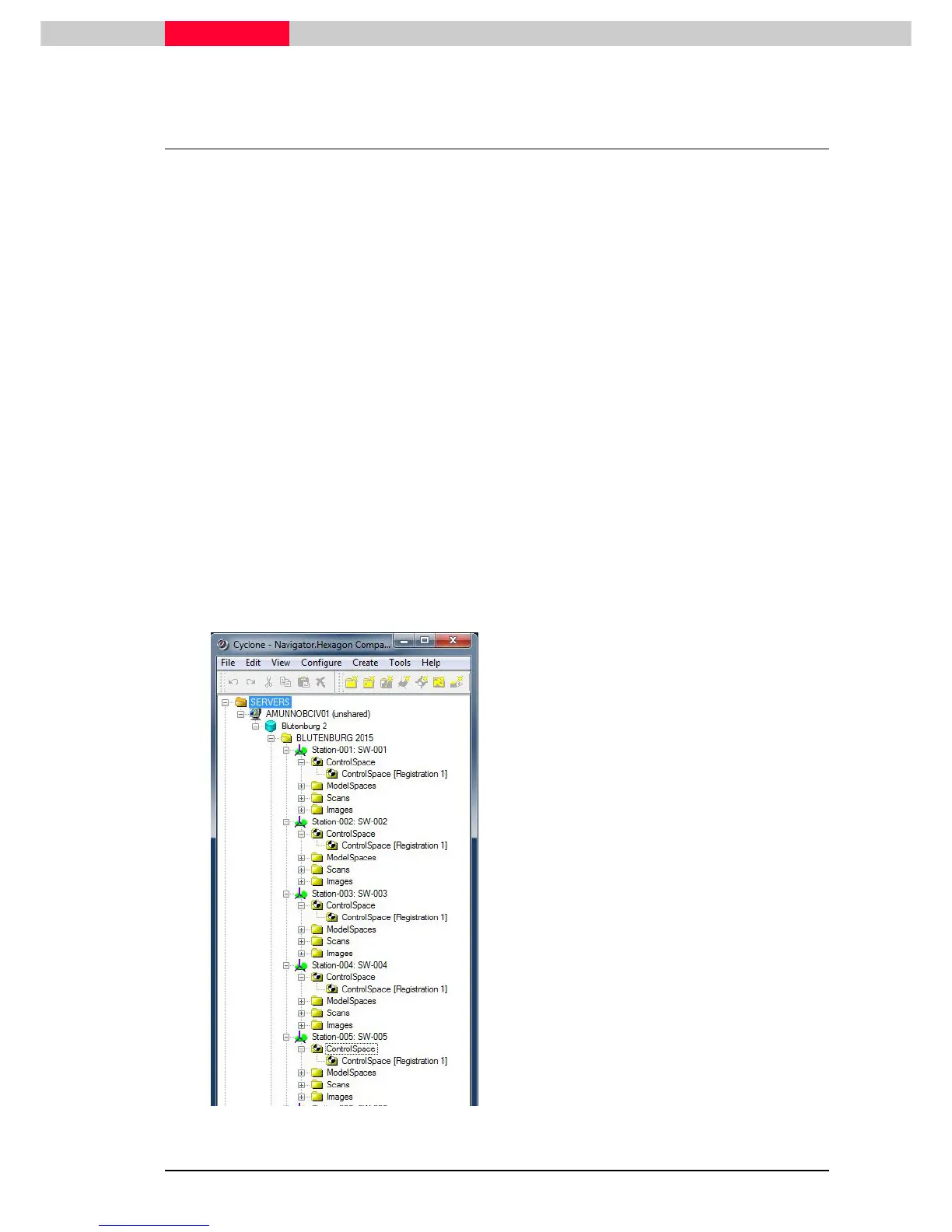
Figure 66
In our database
Blutenburg2.imp
•
open the parent ControlSpace for each
ScanWorld listed under the project folder
named individual ScanWorlds
•
see its content.
A ControlSpace for
Registration 1
has been
created for each ScanWorld that was added
to that Registration.



 To Next Page