5.3 Add Target Constraints
•
From the top menu select
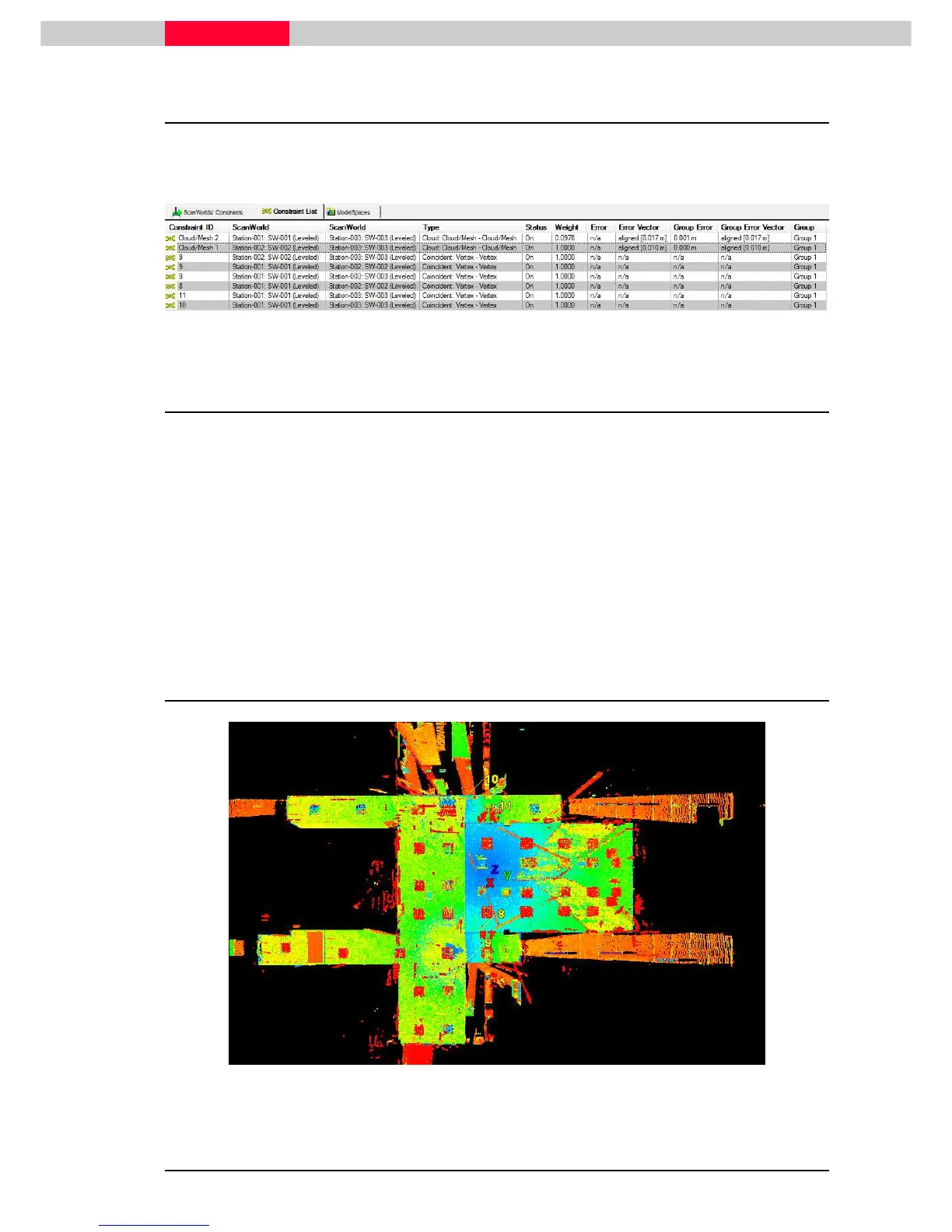
Constraint | Auto-Add Constraints
Note the new target constraints added next to the cloud constraint:
Figure 61
5.4 Finalize Registration
Next we will compute the overall error for all constraints added.
•
Click
Registration | Register
•
Sort the
Error
column by clicking in the
Error
field
Note the biggest error value
•
Click
Registration | Create ScanWorld/Freeze Registration
•
Next go to
Registration | Create and Open Modelspace View
5.5 Inspect results
Figure 62



 To Next Page