Data Extraction
Cylinder Edits
•
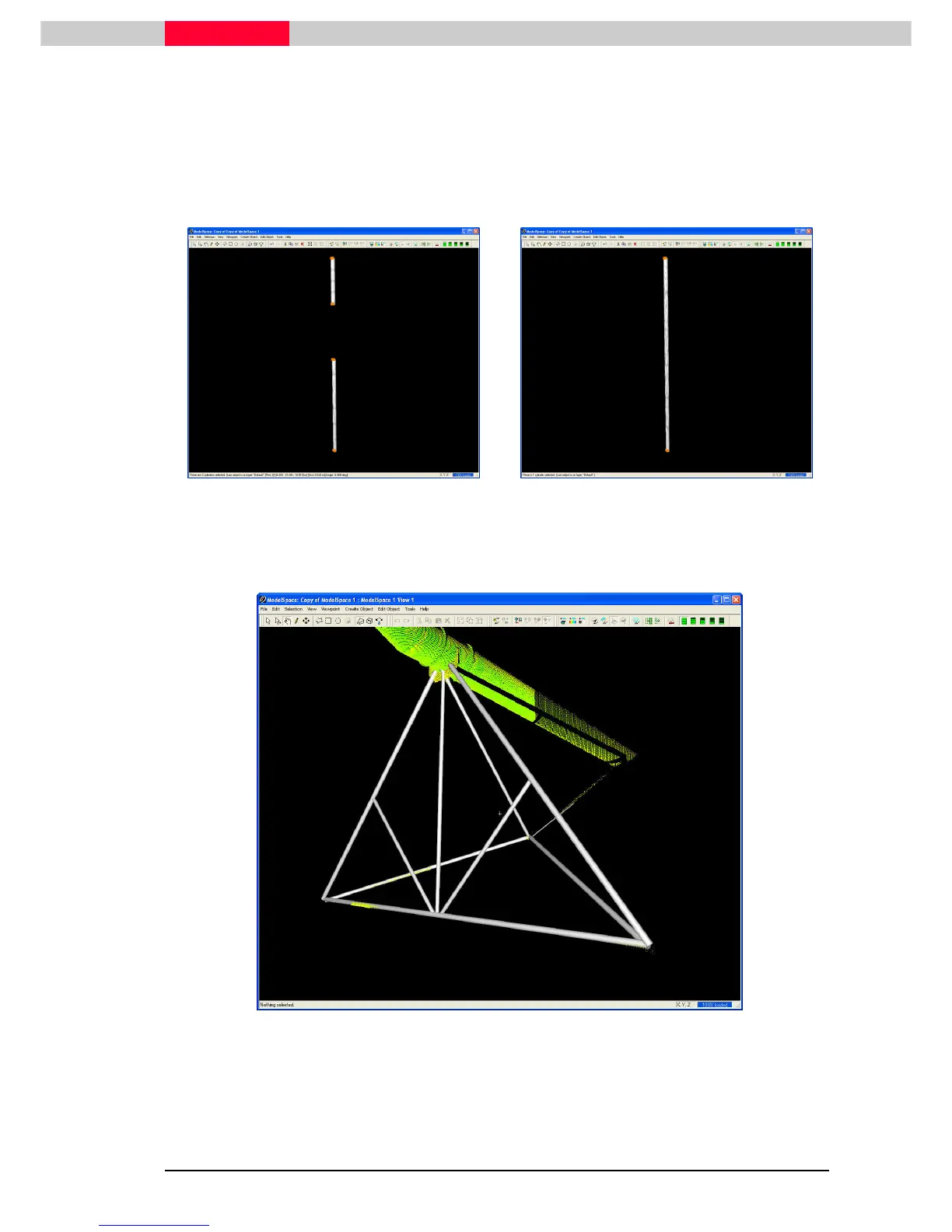
Two or more fit cylinders that represent the same pipe can be merged together by selecting
the cylinders, then clicking Create Object | Merge
Create Object | MergeCreate Object | Merge
Create Object | Merge (Figure 27 & Figure 28).
•
A pipe can be extended to another pipes centerline by using Edit Object | Extend
Edit Object | ExtendEdit Object | Extend
Edit Object | Extend commands
or by dragging a cylinder’s centerline handle.
Figure 27
Figure 28
The end result should look like Figure 29. In this section, the cylinders were modeled by copying
a set of sub-selected points to a new ModelSpace for modeling, then merged back into the
original ModelSpace.
Figure 29



 To Next Page