Start Scanning
From the first Tab
Field of View
you already have chosen the scanning method:
•
Scan only
•
Images only
•
Scan & Image
Now press the
Start
softkey to start the scanning.
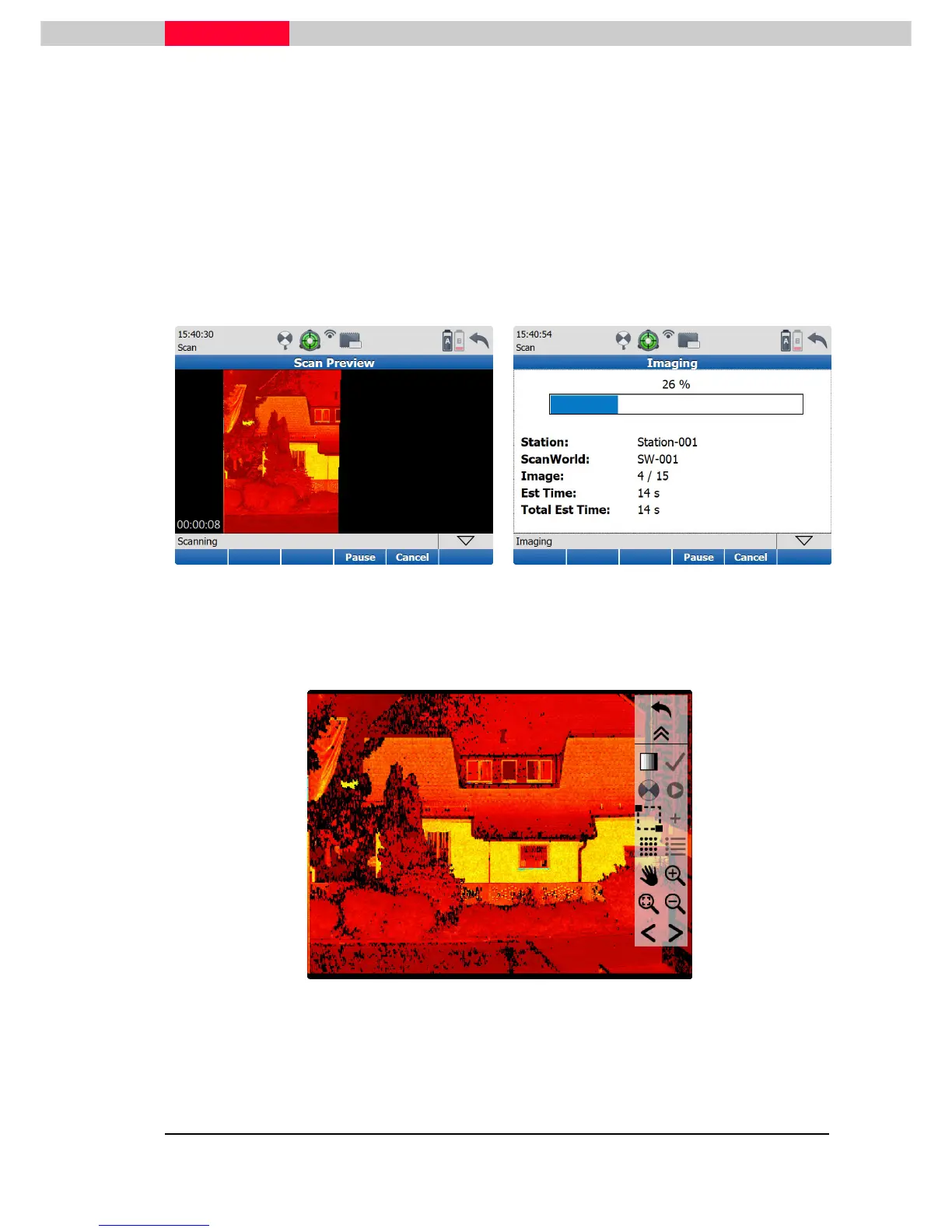
When choosing Scan & Image first the scan and second the image capturing will be performed.
The appearing progress bar will show the current status.
Figure 40
Figure 41
When the operation is completed the scanner is showing the scene in a separate viewer on the
display.
Figure 42
Using the left/right arrows previous scans can be looked up. If necessary - additional detail scans
and pictures can be taken from this menu. Use the go-back button to close the view.



 To Next Page