Organization/Visualization point clouds
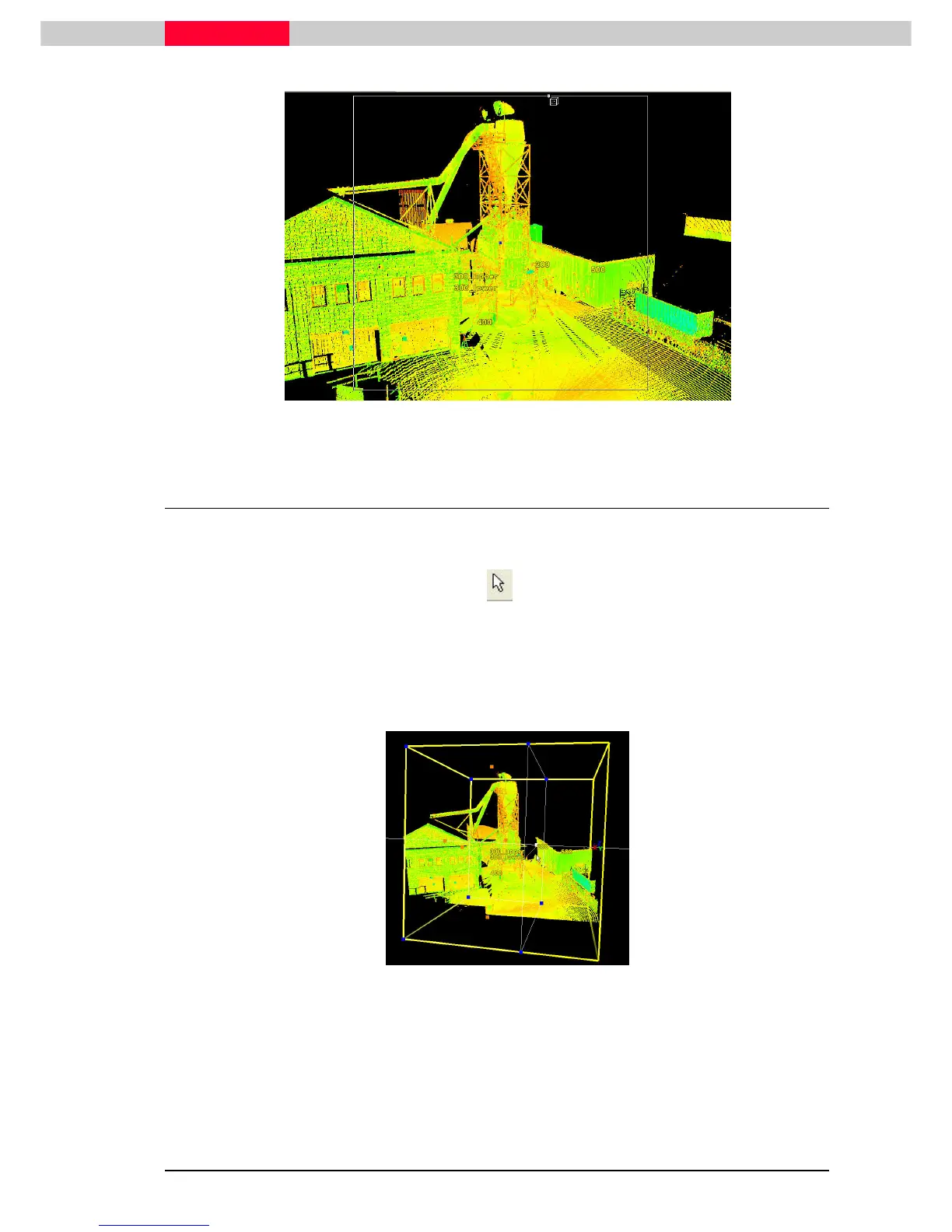
Figure 22
4.2 Edit a Limit Box
The created Limit Box is aligned to the Viewpoint it has been created in. It can now be edited to
finally encompass only the points of the silo.
•
Change to the pick mode with hotkey ‘
hotkey ‘hotkey ‘
hotkey ‘ or
•
Pick
PickPick
Pick the yellow frame of the Limit Box.
•
Pick
PickPick
Pick the orange handles appearing on each side of the Limit Box and change its size by
dragging this side further in or out until only the actual silo is contained.
Figure 23
Selecting and moving the blue handles in the corners will move the limit box
itself.



 To Next Page