3.2 Main Menu
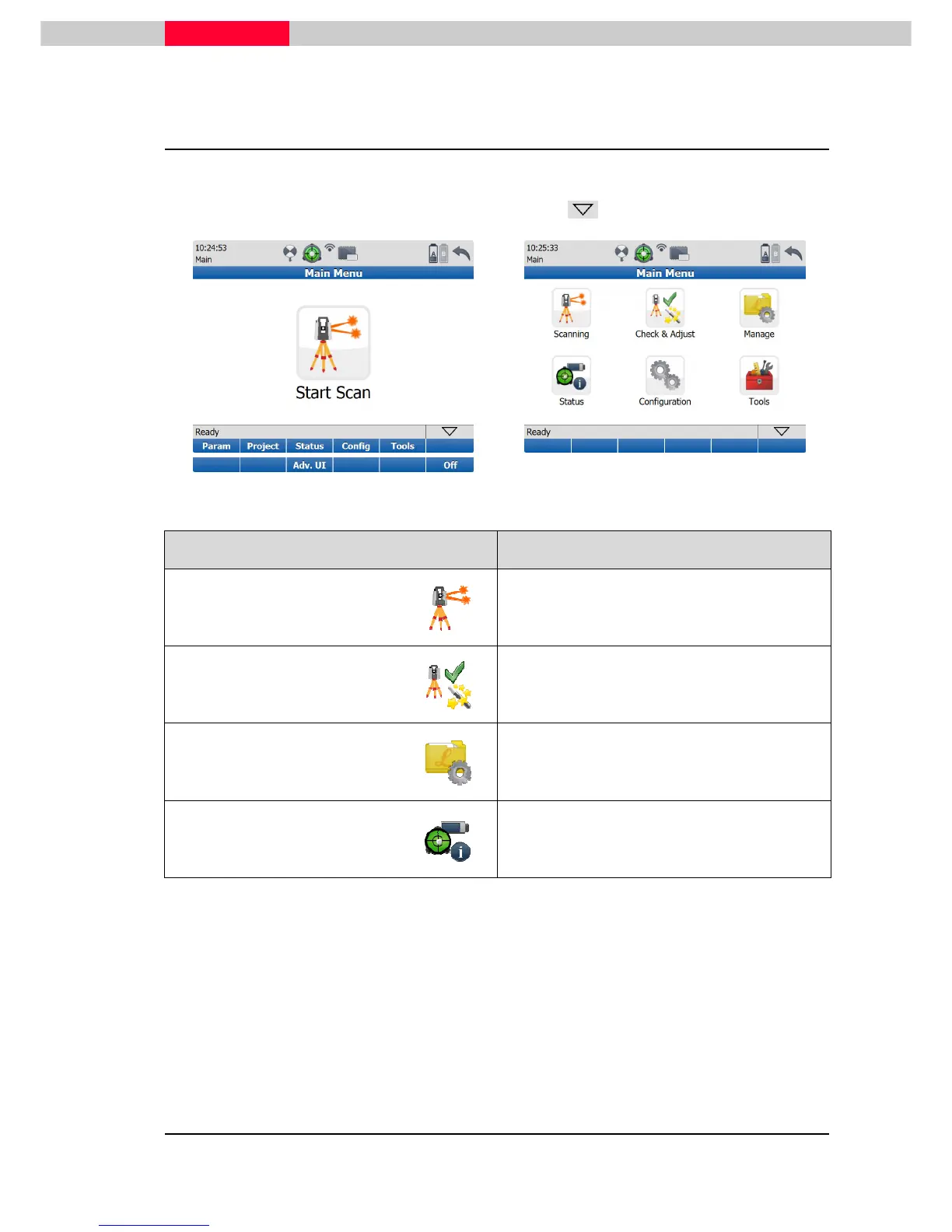
The Main Menu will be displayed after the system boot process. Idle State in the message bar
indicates that the instrument is ready for scanning.
Switch between Simple and Advanced User Interface using
Adv. UI
, see Figure 15
Figure 15
Figure 16
Icon Function
Scan
Offers access to all commands for scanner
setup and operation control.
Check &
Adjust
Allows determining and updating angular
parameters and tilting compensator, set range
offset.
Manage
Offers access to all commands for project,
target and control point management.
Status
Offers access to all commands for the
scanner’s status information.



 To Next Page