10 - 22 Module 2.0 – Navigator & Navigator’s Objects Introduction to Cyclone
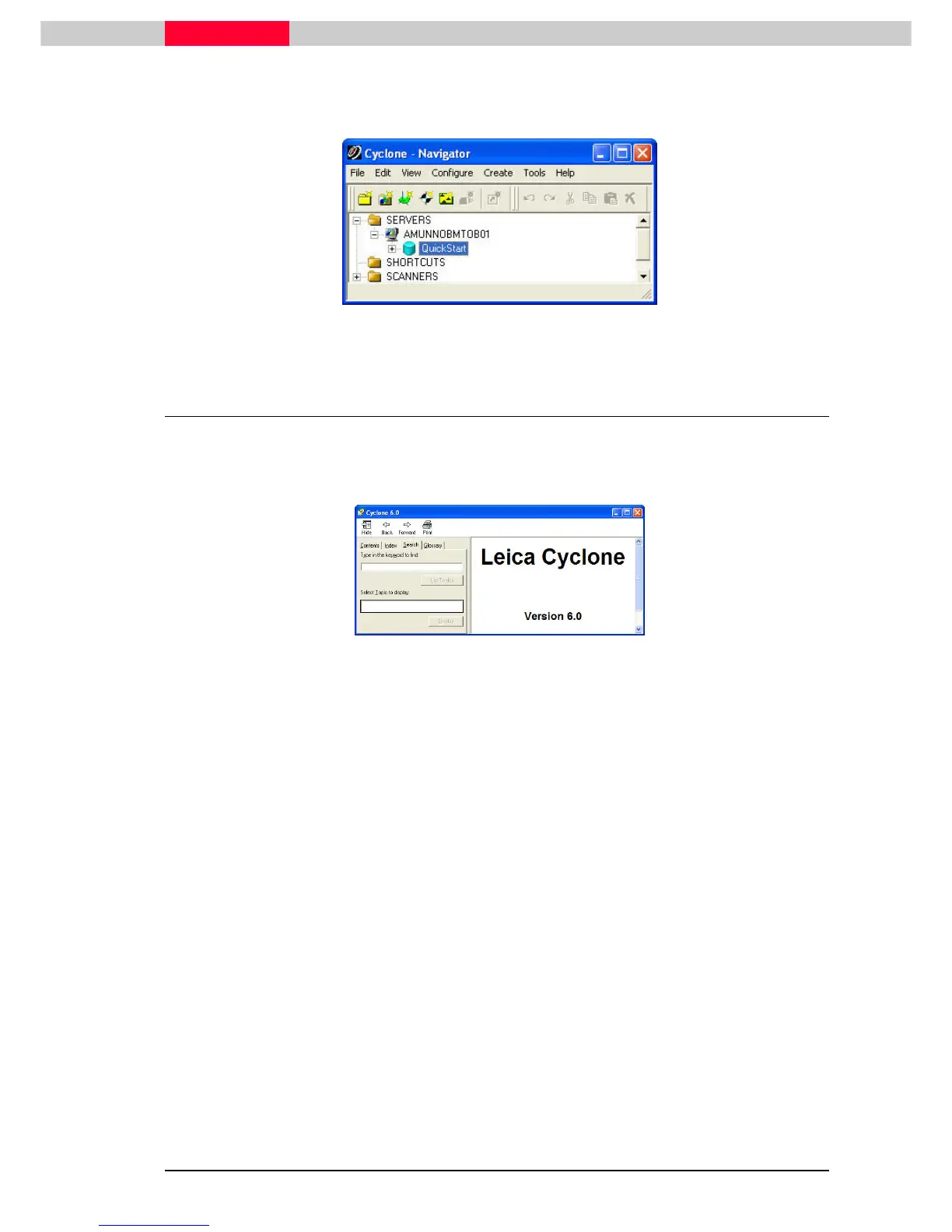
To expand the Server object, double
doubledouble
double-
--
-click
clickclick
click on the icon or pick the “+” sign to the left of the
server name. The databases linked on this server are listed below the server name (
Figure 17
).
Figure 17
4 Using the Online Help
The online Help is always available. Press the F1
F1F1
F1 function key while you are in any Cyclone
window or dialog. From the Help menu in any Cyclone window, select the Index command. If in
doubt about what commands are available perform a right click on your right mouse button.
Figure 18



 To Next Page