14 - 22 Module 2.0 – Navigator & Navigator’s Objects Introduction to Cyclone
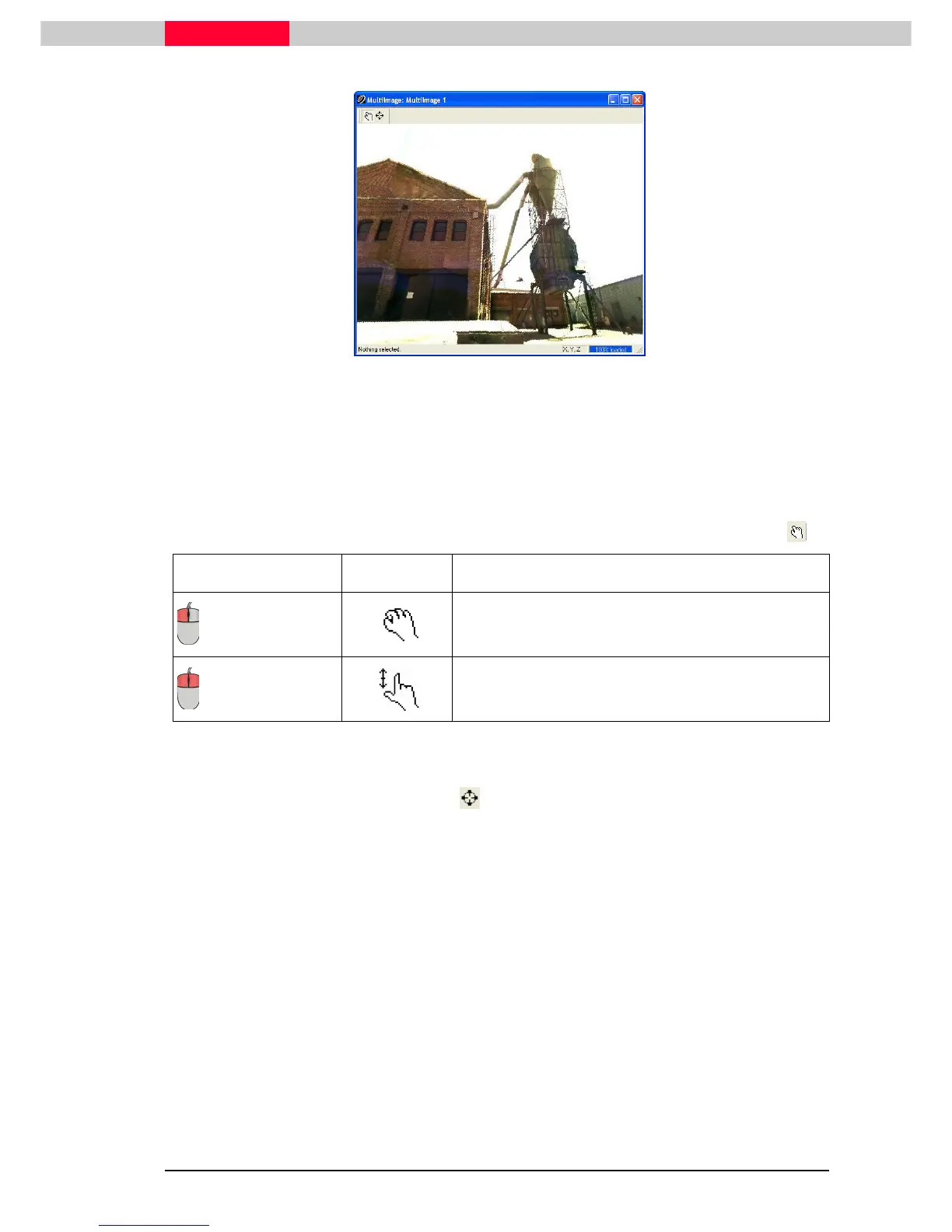
Figure 21
Adjusting the view in a MultiImage is simple in that your viewpoint does not move from the
camera’s location. You are, however, able to rotate about the camera’s nodal position and zoom
as well to see the scanners full 360X270 FOV.
View Mode
Use the key below for reference on how to adjust your view in a MultiImage in View Mode.
Action Cursor Description
+ drag
The image rotates around the nodal position of the
scanner.
+ drag up/down
Zooms in/out.
Seek Mode
It may be more efficient to use seek mode to center your view on something in the viewer.
Then use view mode to zoom directly into it.
Open the MultiImages taken from both ScanWorld 1 and ScanWorld 2 to get an overview of the
scene from two separate scanner setups.



 To Next Page