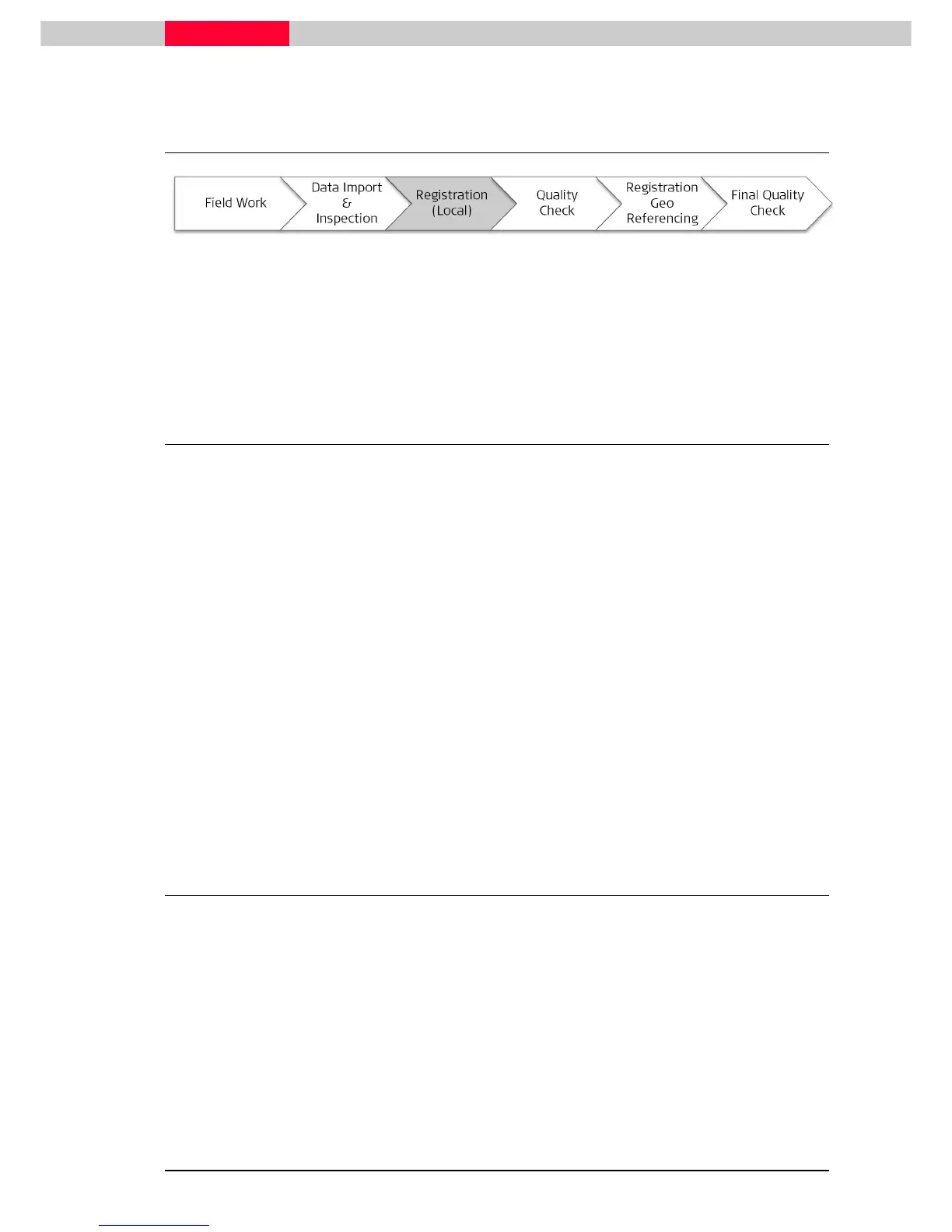
4 Registration
Figure 23
Once all preparation and editing is finished, the actual registration process can begin.
We will learn how to register the project with cloud to cloud alignments combined with target
constraints. Furthermore we will learn how to use the Grouping functions in Cyclone, which can
help us to quickly register our project with a minimum of time investment.
4.1 Registration Strategies
Cyclone offers a multitude of registration functionalities. The Registration Basics chapter
explains the basics of how to make use of them. Since every project is a unique one, it is
essential to be confident with the registration techniques that Cyclone offers.
A quick look at your field notes/sketch can help you decide how to proceed. The strategy in our
example project is to:
•
Use the auto-aligned function to see where the software automatically detects overlap areas
and can calculate cloud alignments
•
The inner part of the Blutenburg castle has been scanned with sufficient overlap and a
minimum of targets. The plan here is to add visual alignments and in this way create a group
of the complete courtyard.
•
The outer part of the Blutenburg castle was scanned with a changed strategy of placing and
acquiring sufficient targets to connect neighboring scan positions by these means only. In
addition, sufficient targets were placed to connect the outer scans also the courtyard group
in an overall registration.
The following steps will explain a quick and easy possible procedure to register the project. Note
however that this is just one example of many options of a registration process.
4.2 Registration via Auto Aligned Groups
This dataset has been imported as an
Auto Aligned
project. This means that Cyclone’s algorithm
searches for features in produced cube maps and tries to match ScanWorlds together.
The matched ScanWorlds are then organized into Groups of ScanWorlds:
•
All ScanWorlds in a Group are aligned to each other using cloud constraints (they are pre-
aligned and still need to be optimized).
•
Each Group can be optimized individually, which then aligns this subset independently from
any remaining ScanWorlds.
•
In a best case scenario all ScanWorlds belong to one Group and can be registered in a single
step.



 To Next Page