Data Extraction
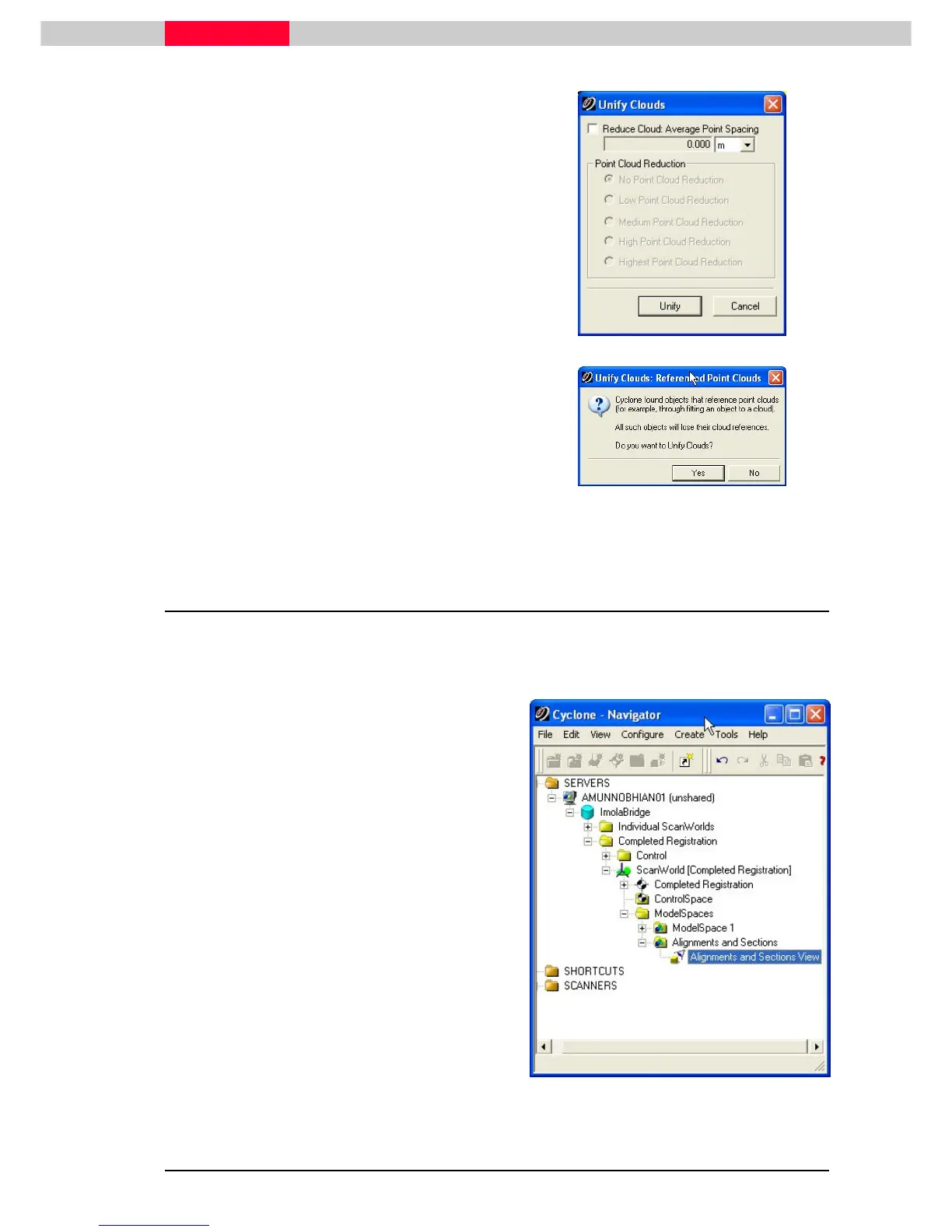
3) In the
Unify Clouds
dialog, click Unify.
Figure 3
4) Click Yes in the
Unify Clouds: Referenced
Point Clouds
dialog to begin the unification
process.
Figure 4
1.3 Copy the Modelspace
Throughout the course of this module, work in a designated ModelSpace. Perform a simple copy
and paste of the existing unified ModelSpace, and then rename it to something specific and
recognizable.
1) Select the unified
ModelSpace 1
under the
Completed Registration project folder.
2) Click Edit | Copy.
3) Highlight the
ModelSpaces
folder one level
up.
4) Click Edit | Paste.
5) Rename the pasted ModelSpace to
Alignments and Sections
.
6) Rename the existing ModelSpace View (one
level down) to
Alignments and Sections View.



 To Next Page