9 - 34
Create a new layer & Assign objects to it
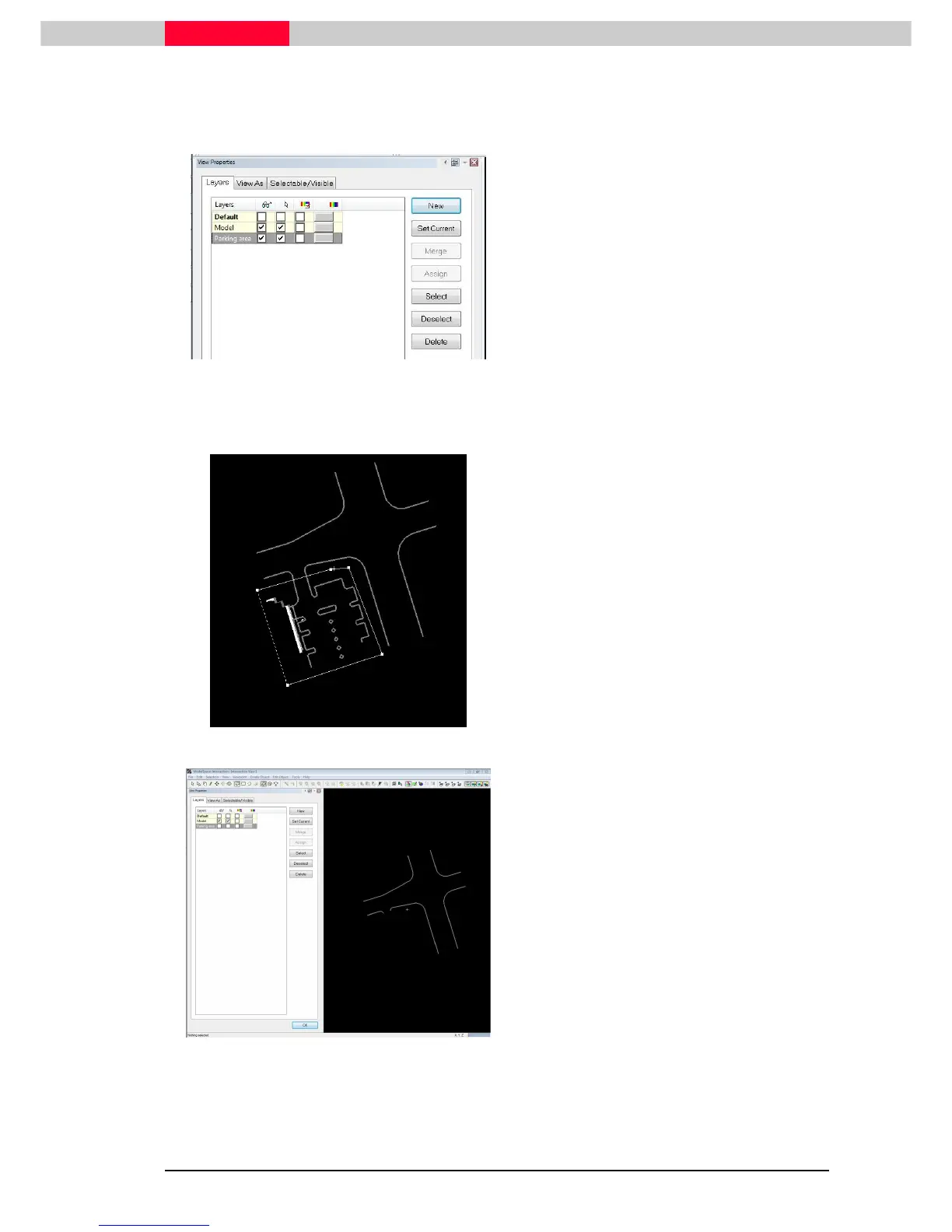
Assign the objects within the parking area to the new layer. This includes also the building.
Figure 10
•
Click New
NewNew
New
•
Type
TypeType
Type in a name for the layer such as
“Parking area”
•
Click Enter
EnterEnter
Enter
•
Highlight
HighlightHighlight
Highlight the new layer
In order to assign objects to a layer, these objects must be selected.
Figure 11
•
Draw a fence around the area, see Figure 11
•
Click Selection | Select Fenced
Selection | Select FencedSelection | Select Fenced
Selection | Select Fenced
•
Click the Assign
AssignAssign
Assign button in the
View Properties
Window.
Figure 12
•
Check the layer by toggling off
toggling offtoggling off
toggling off the visibilit



 To Next Page