12 - 14 Module 4.3 – Cyclone TruSpace Organization/Visualization Pointcloud
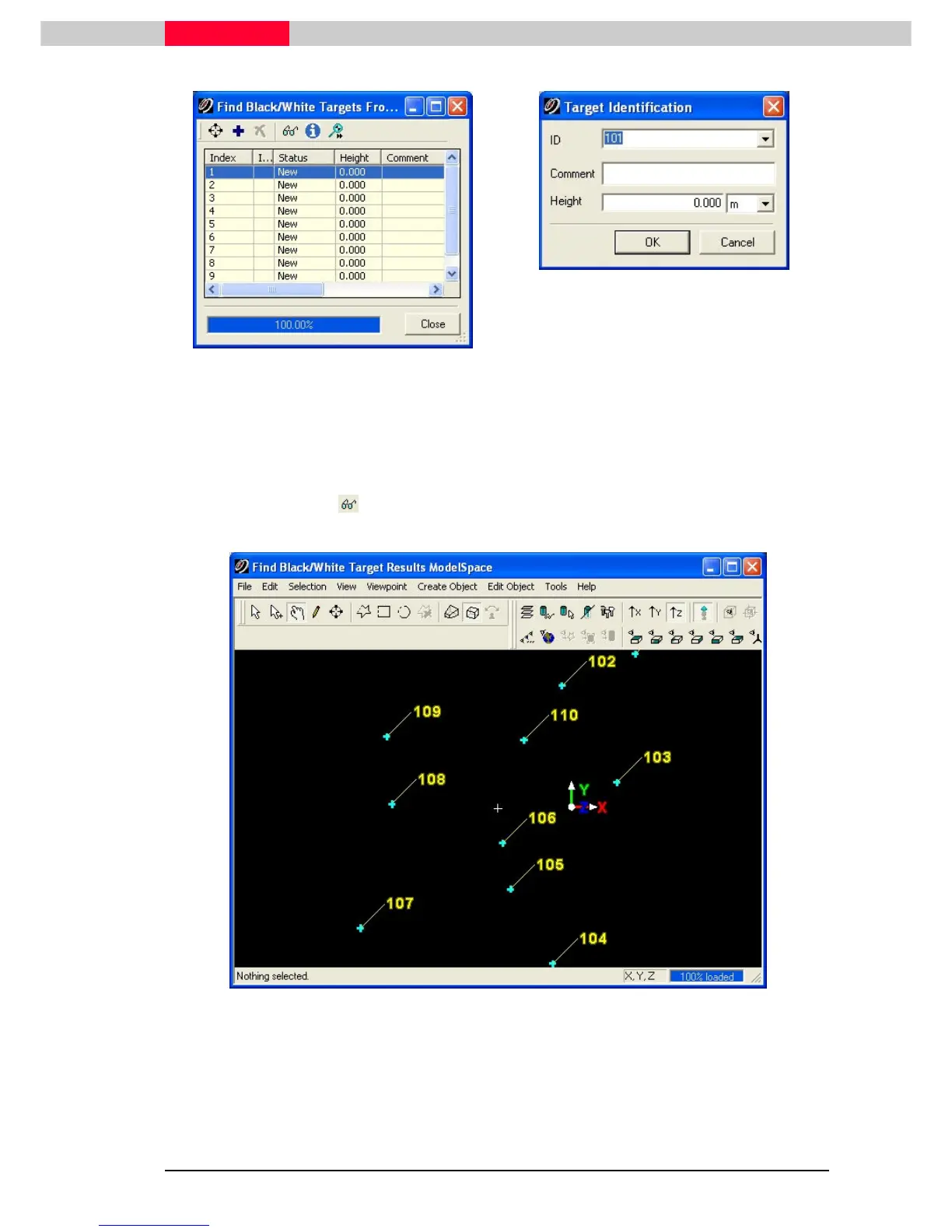
Figure 21
Figure 22
3) If the target is valid, fill in the target ID information and click OK. If the target is invalid
simply click cancel and the target will be ignored.
4) Continue until all targets are added and / or ignored
5) Click the Display icon in the Find Black/White Targets From Picks
Find Black/White Targets From PicksFind Black/White Targets From Picks
Find Black/White Targets From Picks dialog to bring up a
target finder result ModelSpace to inspect the extracted targets (Figure 23)
Figure 23



 To Next Page