The connection is successfully established when the ScanStation’s serial number is displayed in
the title bar next to the Data Copy Tool’s version number.
Figure 58
b)
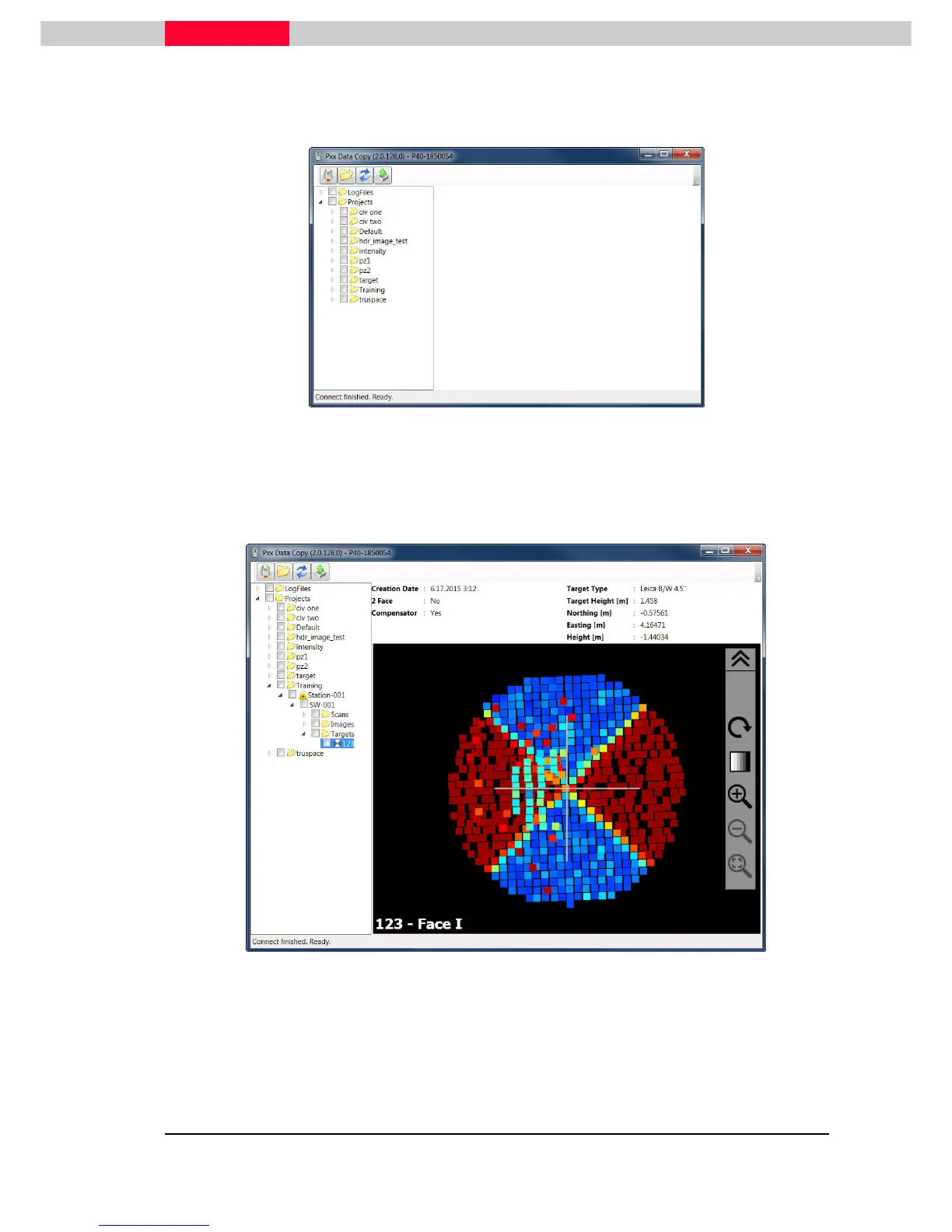
Click the Select Project Folder button to load a project folder stored locally on your computer
that contains at least one scanning project. The data can be reviewed within the (2)Viewing
Frame by selecting either a scan, a target or an image.
Figure 59
c)
The Refresh Content button is reloading the project structure from either the scanner or the
locally stored data into the (1)Content Frame. This may be needed if the scanner is acquiring
scans into a newly created project during the ScanStation P30 is still connected to your
computer.



 To Next Page