d)
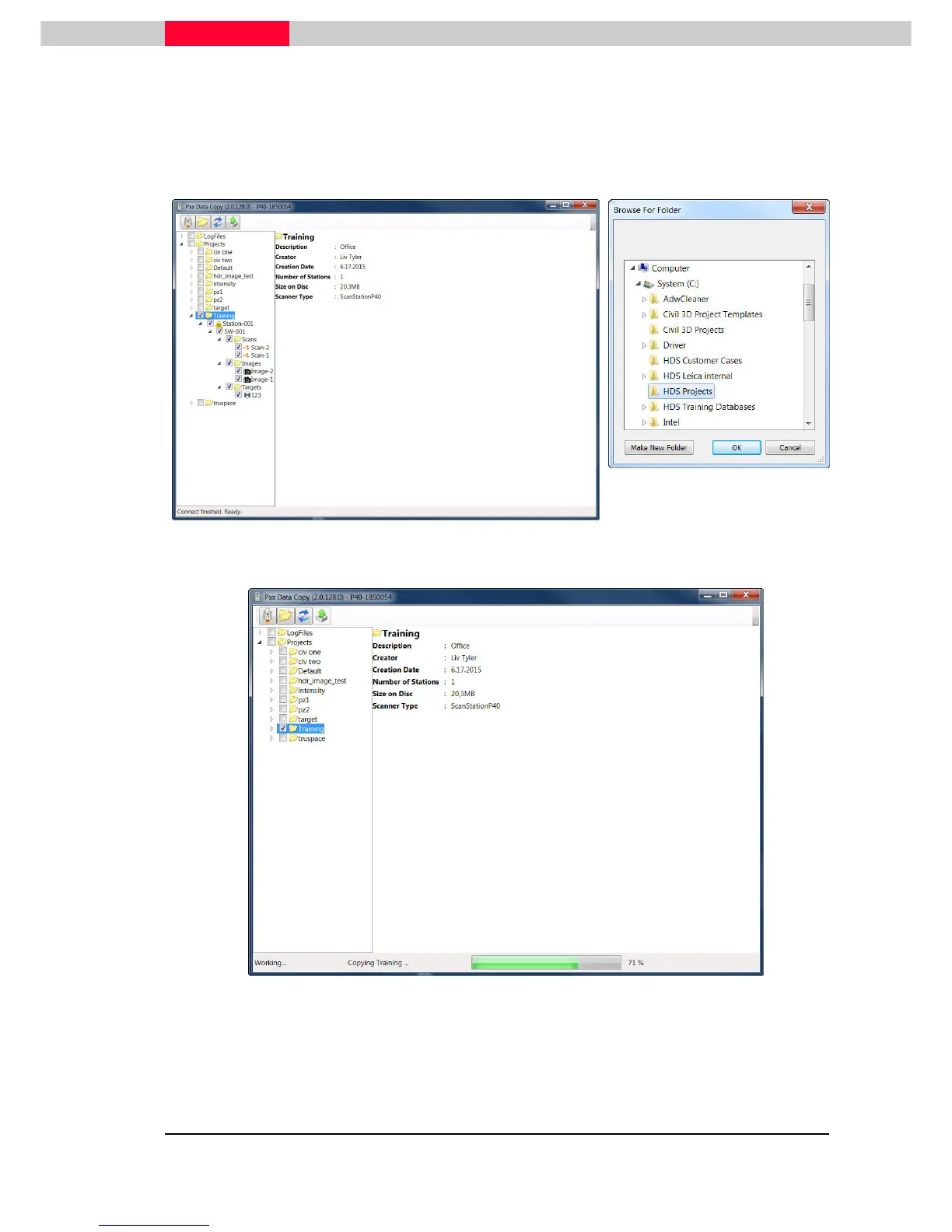
The P30 Data Copy Tool provides downloads of project data and log files. On the left side
data currently present on the scanner is listed. Select individual items with checkmark for
transfer. Click the “Start Download” button to copy the selected data within the Content
Frame (1) to a location of your choice. Within the upcoming window the destination folder on
the local device can be chosen.
Figure 60
During the download the (3)Status Bar is displaying a progress bar.
Figure 61
When the Status Bar is showing Ready again the download is successfully finished.
Exit the Data Data Copy Tool via pressing the cross in the top right corner.



 To Next Page