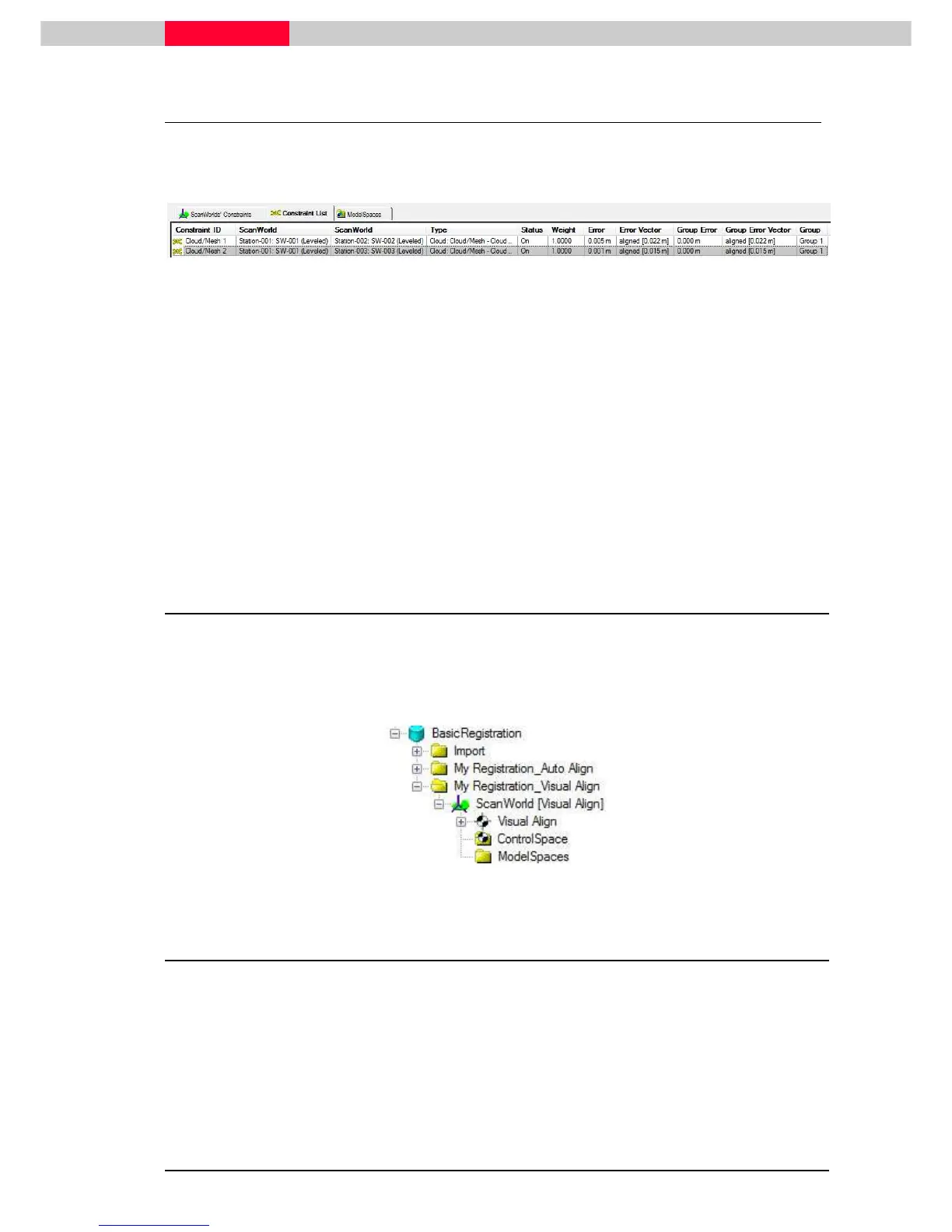
Figure 43
After optimizing/registering the optimization RMS value will have changed and a value for the
global registration error is given (see
Error
column).
Inspect Result
•
Select Group 1 and go to
Registration | View Interim Results
from the top menu
•
Inspect the aligned scans in the upcoming Modelspace View
•
Pick a point on a wall surface and go to
Tools | Quick Slice
•
Inspect the scan lines, if they match together
•
Close the temporary Modelspace View without saving
2.4 Create ScanWorld /Freeze Registration
The last step is to create a Scanworld and freeze the registration.
•
Click
Registration | Create ScanWorld/Freeze Registration
•
Inspect the Navigator to see the new
ScanWorld [Visual Align]
Figure 44
2.5 Create and Open ModelSpace View
•
In the Navigator, highlight the newly created registered ScanWorld.
•
Click
Create | ModelSpace.
•
Double click
the ModelSpace.
•
From the pop-up menu, click
Create and Open ModelSpace View.
A ModelSpace View will open containing the registered data of the ScanWorlds.



 To Next Page