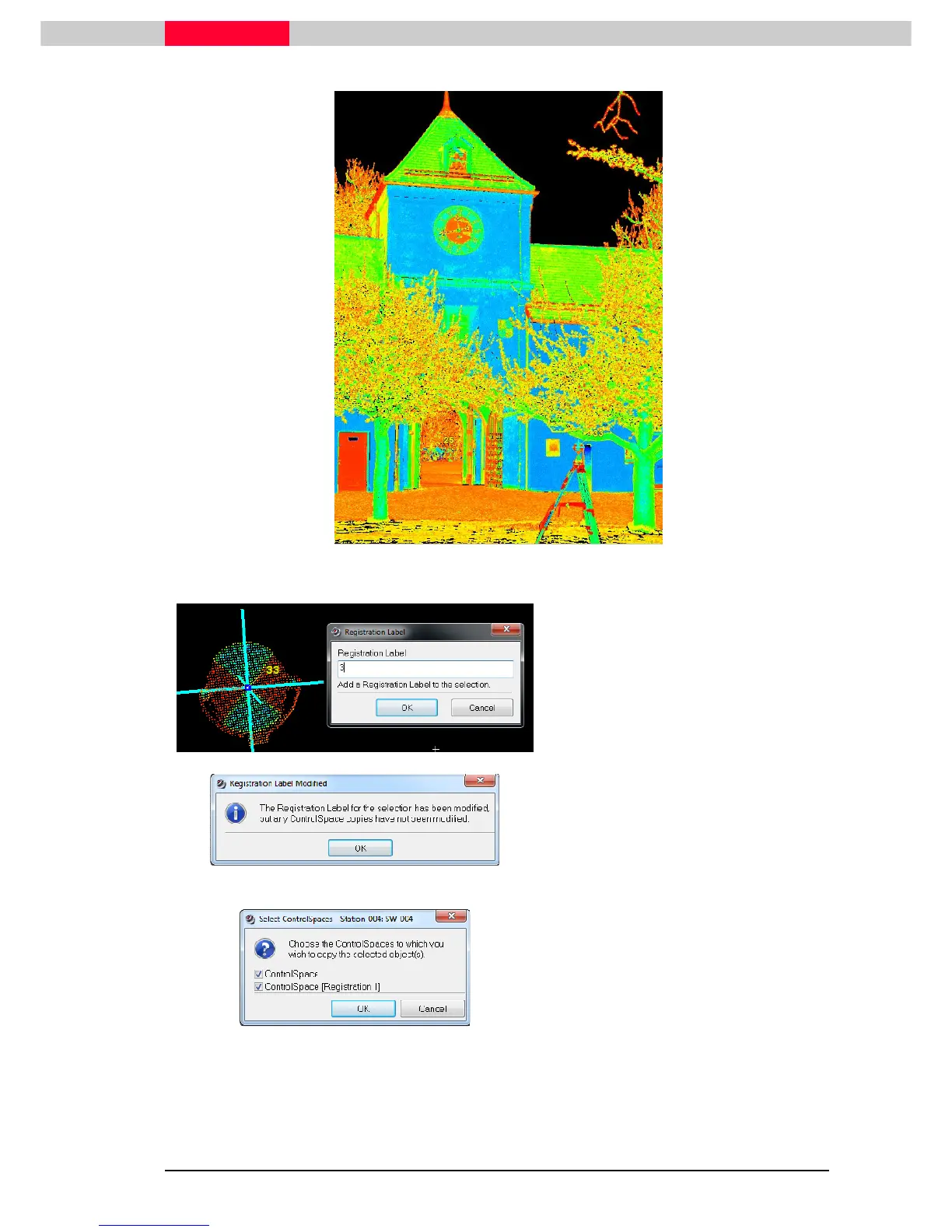
Figure 19
Figure 20
•
Select the vertex with the label 33.
•
Go to
Tools | Registration | Add/Edit
Registration Label
•
Change the label to
3
•
Exit with
OK
Figure 21
•
A message will come up, warning that
this label has been changed but no
objects in any Controlspaces have
been updated.
•
Accept this message with
OK
Figure 22
•
Now copy the target to both
ControlSpaces via
Tools | Registration
| Copy to ControlSpace.
•
Open both ControlSpaces to verify TargetID 3 is now present next to 25.
•
Close the ControlSpace window



 To Next Page