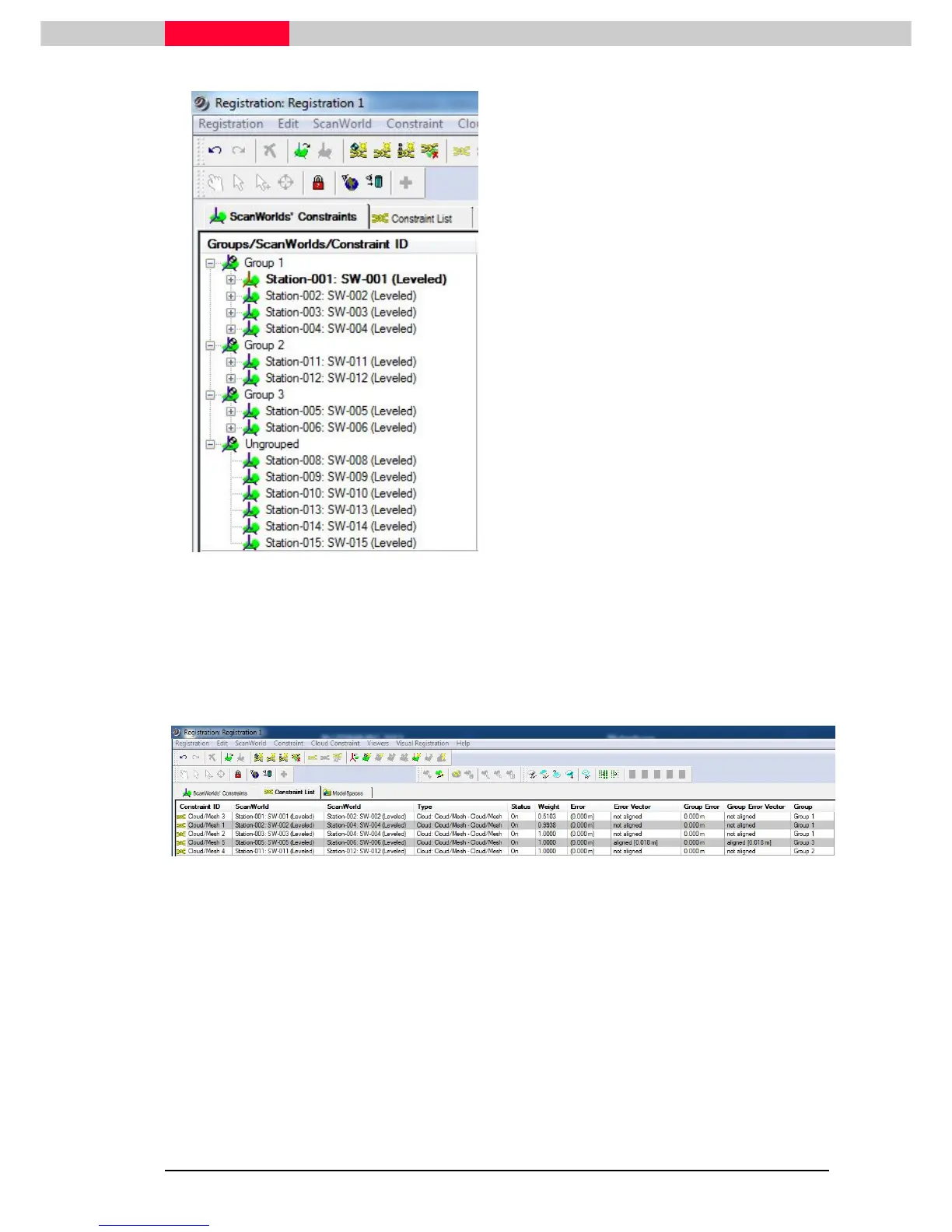
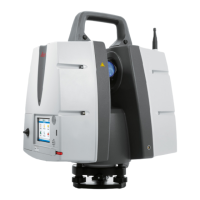
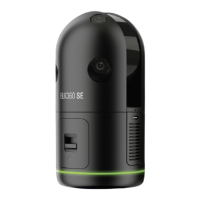
Figure 31
•
Yes
will place these two ScanWorlds into a
new
Group 3
•
If pressing
No
, these two ScanWorlds are
remaining in the
Ungrouped
collection.
•
Close
the
Visual Alignment
window.
•
Close
the
2D Scan Thumbnails
window.
•
Open the
Constraint List
tab from the Registration window to review the
Cloud/Mesh 5
constraint created between ScanWorld 5 and ScanWorld 6.
Figure 32
This example shows the behavior of ScanWorlds in Groups. ScanWorlds are collected into Groups
if constraints between a minimum of two ScanWorlds are existing.
If sufficient overlap is given all ScanWorlds could be aligned one after the other
using the Visual Alignment process until finally they are all part of one Group
(Group1). This Group can then be completely aligned with Registration | Register
in the end.
Note that it is not a requirement to have all Stations as part of one Group. Using
the Grouping function is simply an aid in the registration process.



 To Next Page