battery; the symbol for the
currently unused battery is
greyed out)
The internal batteries are hot
swappable
Empty
40% capcity
60% capcity
Full
User Input
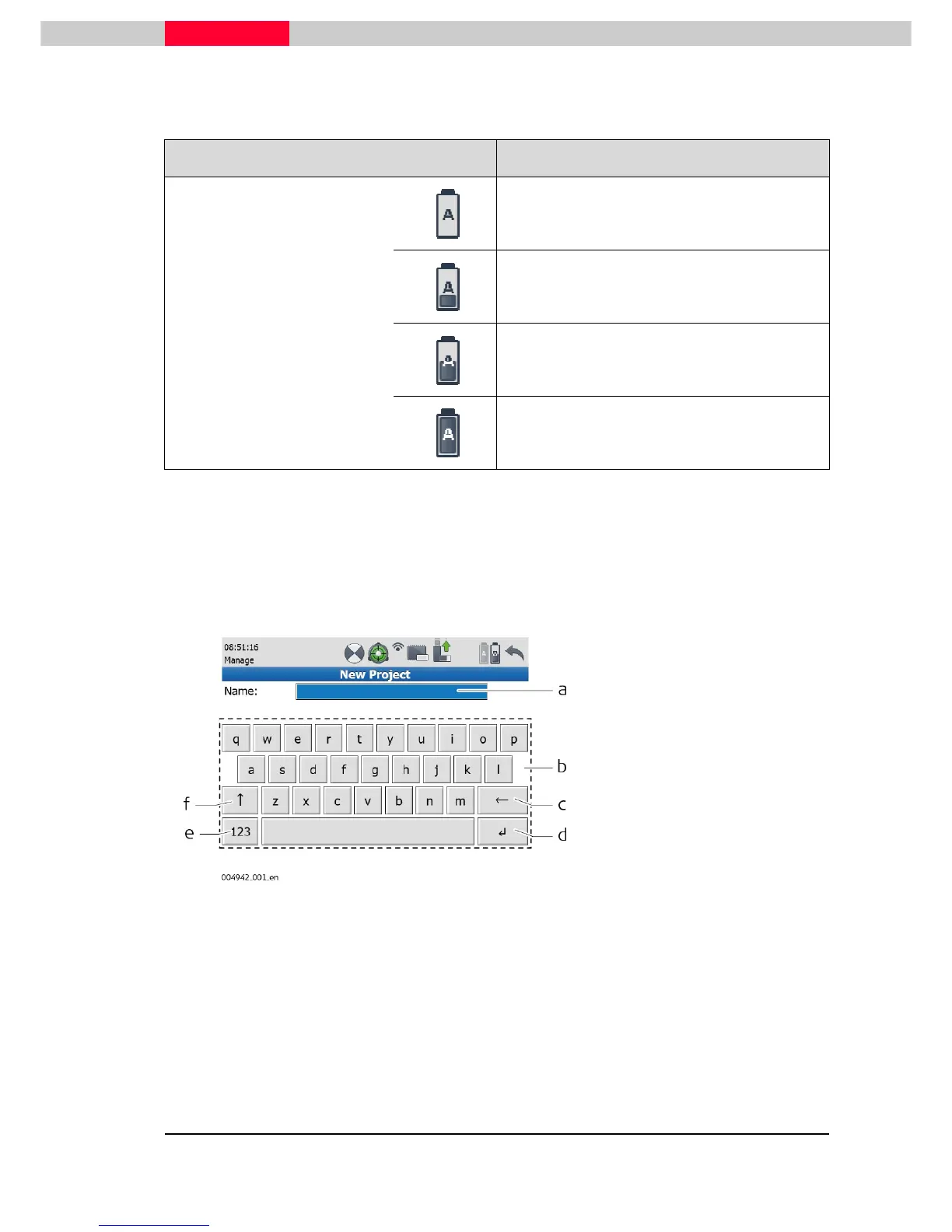
The system offers two different virtual keyboards for user input:
1) If an alphanumeric input box is selected with the stylus, an alphanumeric keyboard pops up
offering letters, numbers and special characters.
Figure 13
a) Input field
b) Alphanumeric keypad
c) Backspace
d) Enter
e) Toogle between letters and
numbers/special characters
f) Shift -



 To Next Page