11 - 32
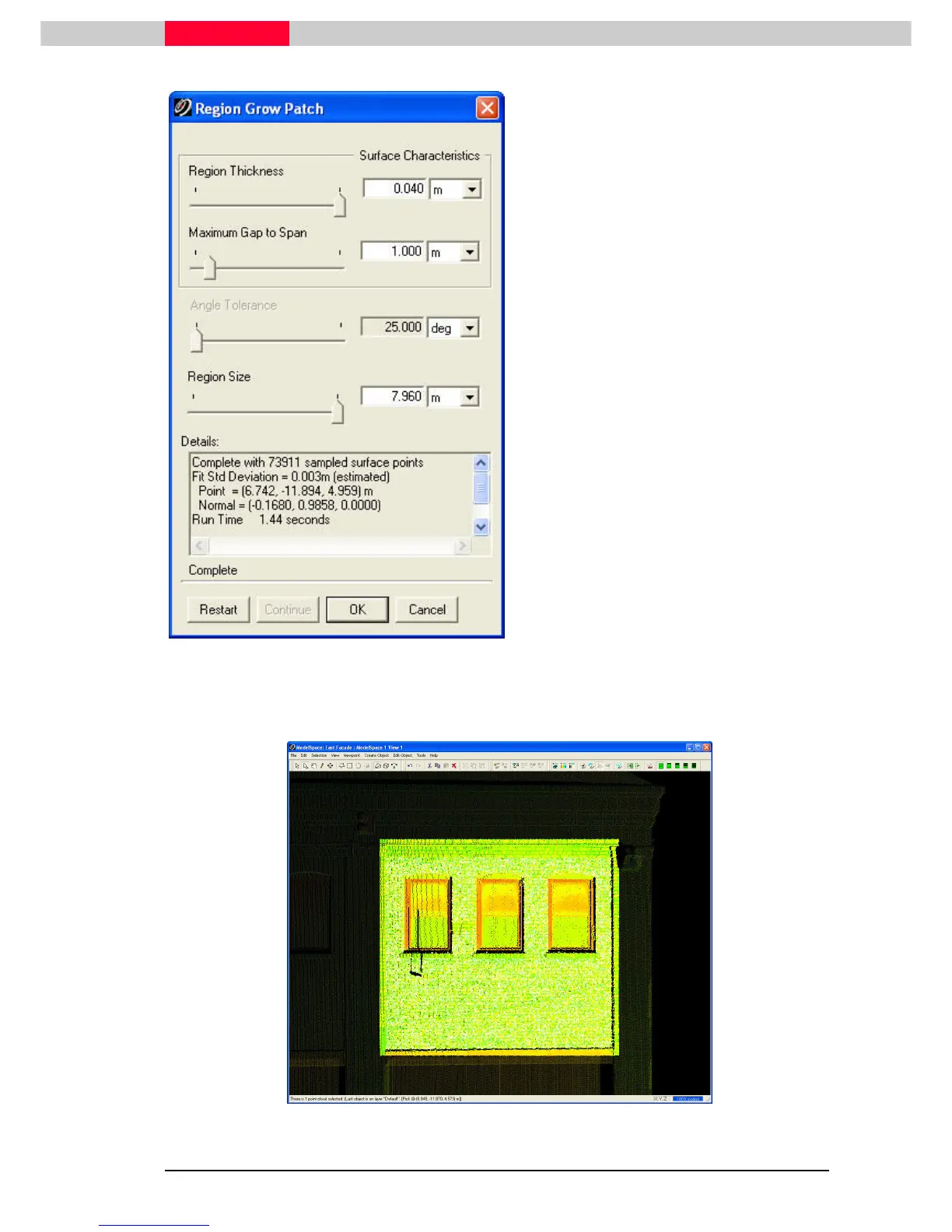
Figure 13
•
Region Thickness defines a surface
thickness outside of which points are
excluded from the calculation.
•
Maximum Gap to Span defines a maximum
distance between any two adjacent points
included in the fit calculation.
•
Region Size defines the radial distance
from the seed point within which points
will be included in the region grow.
While the Region Grow command is working,
the user may click the Interrupt button to
stop the calculation. To continue with the
calculation, click the Continue button.
Click the Restart button to start over the
Region Grow calculations if, for example, the
command was interrupted and parameters
changed.
Region Growing can be run with multiple starting pick points across multiple point
cloud objects.
Figure 14



 To Next Page