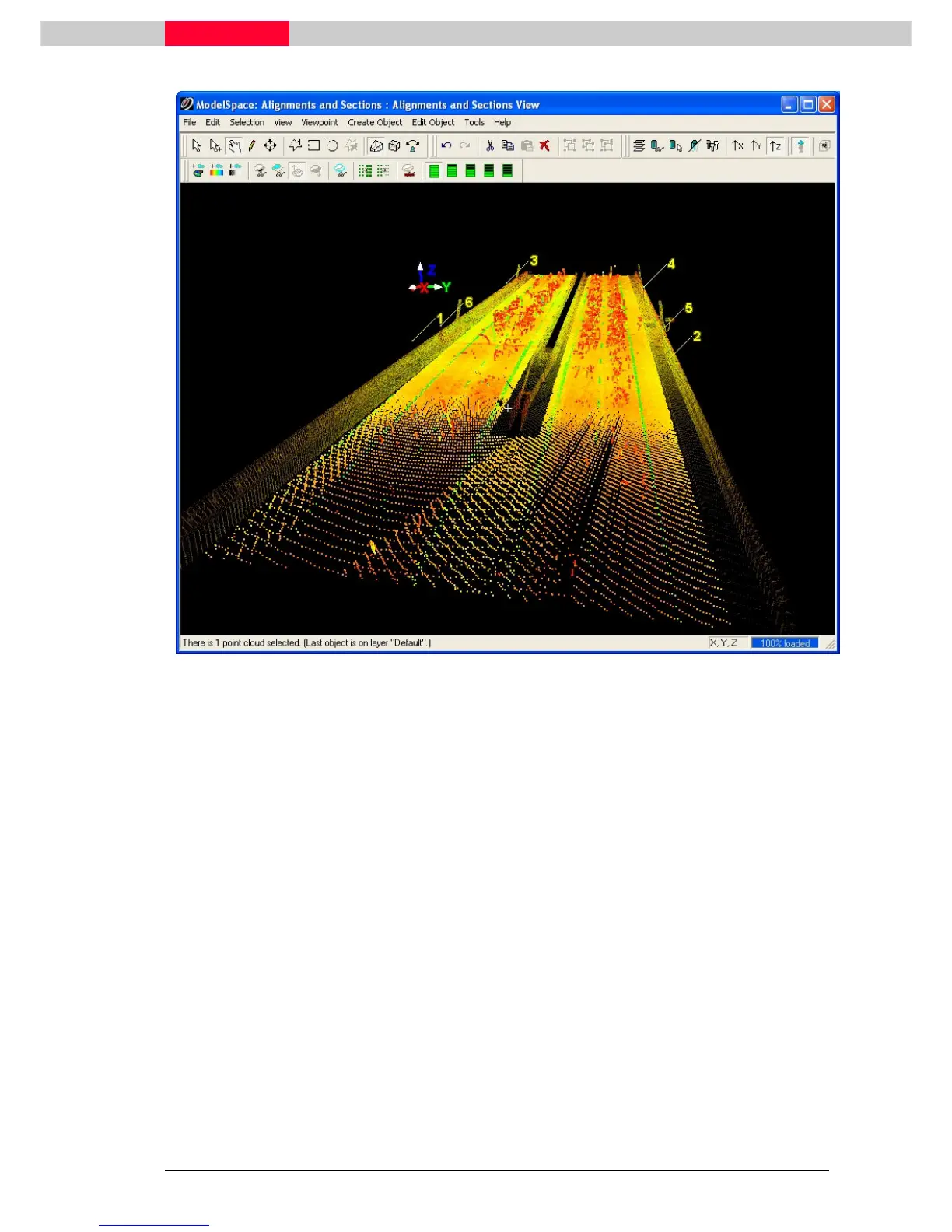
Figure 10
2) In
Multi-pick
mode, pick a point on the flat region of the roadway.
3) Create Object | Region Grow | Smooth Surface…
When finished running the calculation, the point clouds that will be segmented will be drawn
white, and the
Region Grow Smooth Surface
dialog will look like Figure 11 below.



 To Next Page