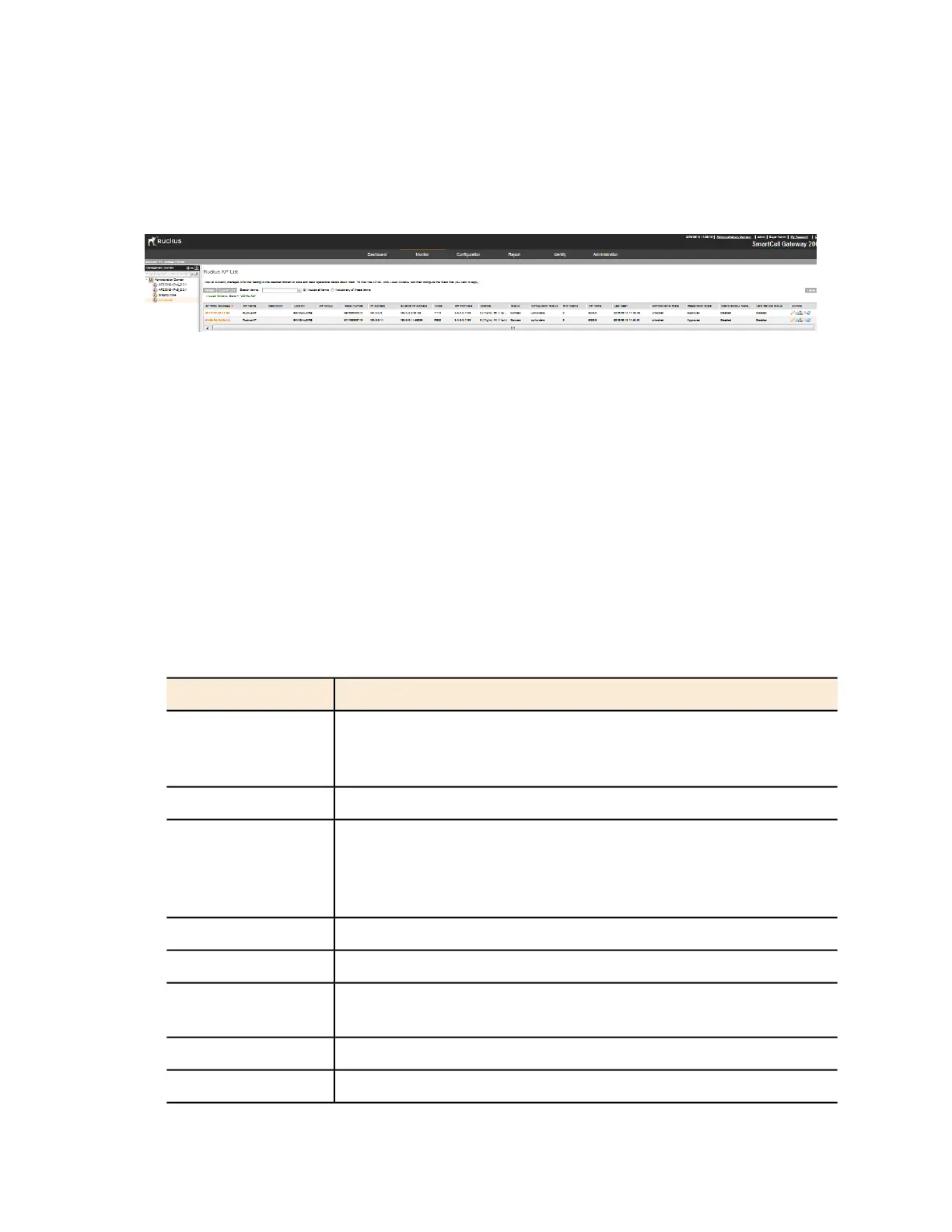
The AP List page appears and displays a table that lists all existing access points in the
selected AP zone.
2. If you are using the controller to manage 3rd party access points, the 3rd party AP zones
that you created to managed those access points will also appear in the domain tree. Click
the 3rd party AP zone name to view all 3rd party access points that belong to that zone.
Figure 156: Click an AP zone in the tree to view all access points that belong to it
NOTE: Include the key word in the search box and click Enter to start search.
Table 15: Access point details (Continued) on page 288 lists the access point details are shown
in the table on the AP List page. If the selected zone is a 3rd party AP zone, only the following
columns are available.
• AP MAC Address
• Zone
• IP Address
• # of Clients
• Last Seen
Table 15: Access point details (Continued)
DescriptionColumn Name
MAC address of the access point. Clicking this link loads a page that
displays detailed information about the access point. See Viewing
the Configuration of an Access Point on page 290.
AP MAC Address
Name assigned to the access pointAP Name
Name of the AP zone to which the access point belongs. Clicking
the AP zone name (link) loads a page that displays detailed
Zone
information about the zone. See Viewing the Configuration of an AP
Zone on page 286.
Name of the AP group to which the AP belongsAP Group
Internal IP address assigned to the access pointIP Address
If the device is behind a NAT server, this is the IP address and port
number that the controller will use to communicate with the device.
External IP Address
Model number of the Ruckus Wireless access pointModel
Firmware version that is installed on the access pointAP Firmware
SmartCell Gateway 200/Virtual SmartZone High-Scale for Release 3.4.1 Administrator Guide
288
Monitoring AP Zones, Access Points, and Wireless Clients
Monitoring Managed Access Points



 To Next Page