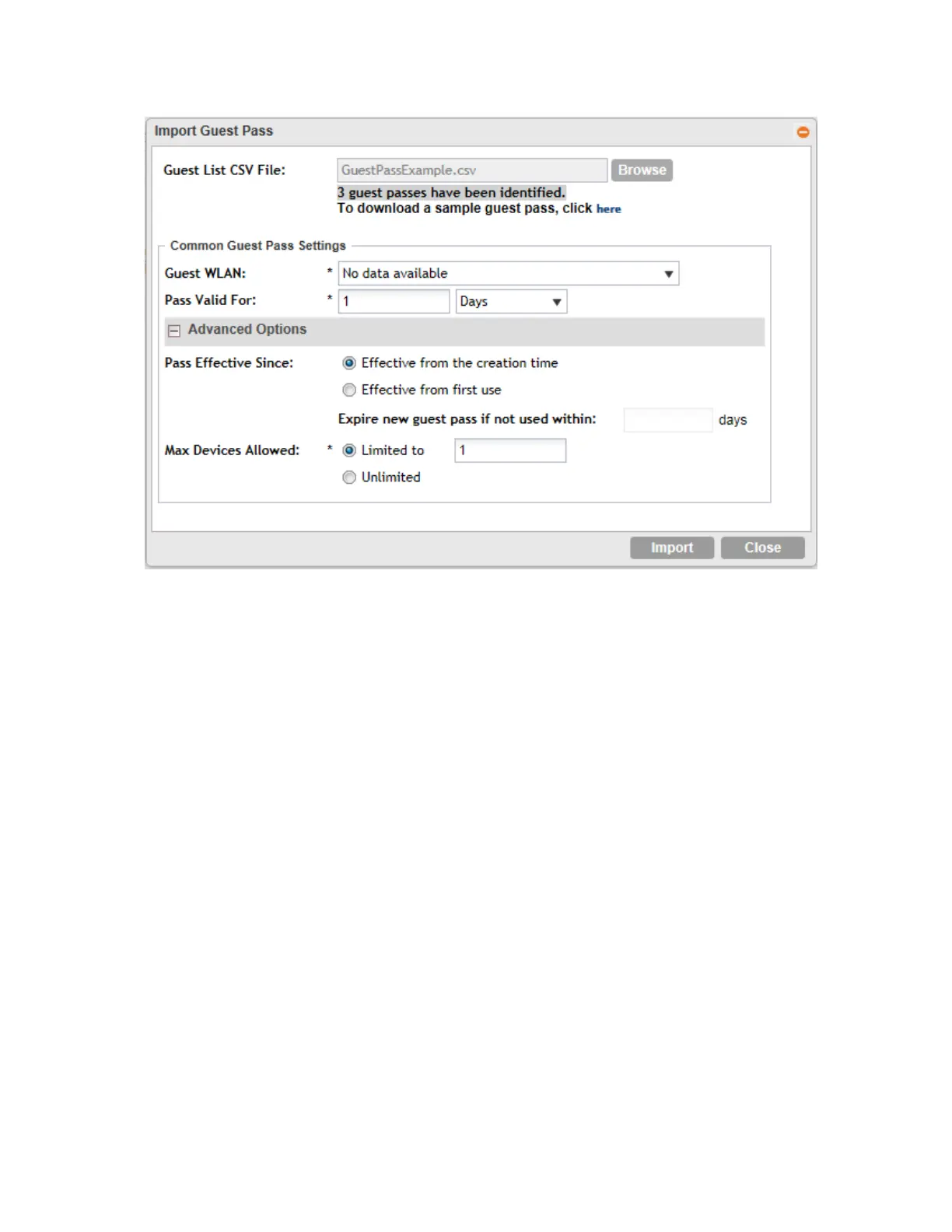
Figure 188: The Guest Pass page for importing a CSV file
You have completed generating a guest pass. You are now ready to send the guest pass to
guest users. See Step 4: Send Guest Passes to Guest Users on page 328 for information.
Viewing the List of Guest Users
Follow these steps to view guest users that currently exist on the controller.
1. Click Configuration > Identity > Users.
2. Click the User Type column to sort all existing user accounts by user type.
All users of the user type "Guest" are guest users.
You have completed view the list of guest users.
Deleting Guest Users
Follow these steps to delete guest users.
1. Click Configuration > Identity > Users.
2. Select the check boxes before the guest user accounts that you want to delete.
3. Click Delete Selected.
A confirmation message appears.
4. Click Yes to confirm.
The page refreshes, and the guest user accounts that you deleted disappears from the list.
SmartCell Gateway 200/Virtual SmartZone High-Scale for Release 3.4.1 Administrator Guide
334
Working with Local, Guest, and Remote Users
Working with Local, Guest, and Remote Users



 To Next Page