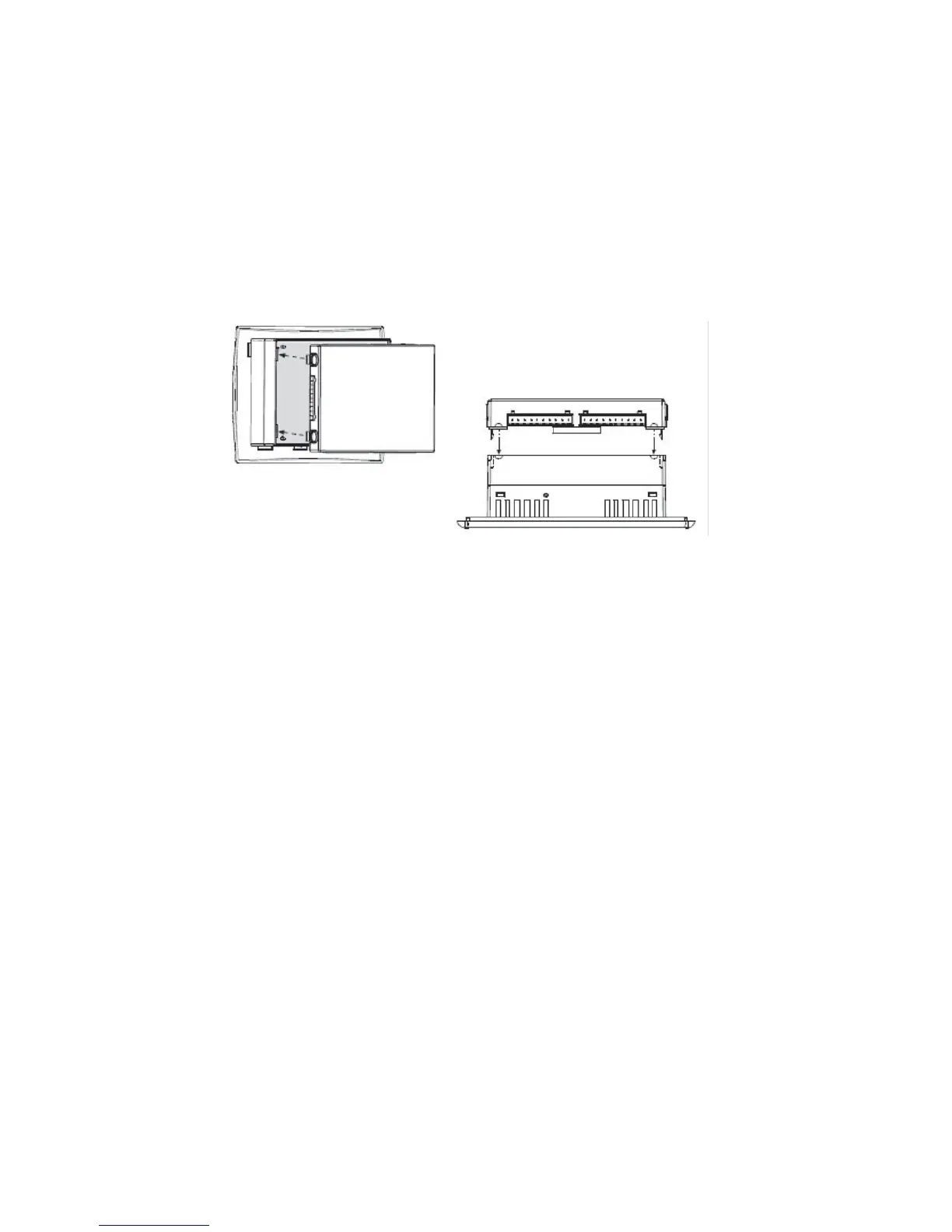
3. Apply even pressure on all four corners until you hear a
distinct 'click'.
4. Check that all sides and corners are correctly aligned.
• The module is now installed.
Removing a Snap-in I/O Module
1. Press and hold down the buttons on the sides of the module to
open the locking mechanism.
2. Gently rock the module from side to side, easing the module from
the controller.
3. Replace the protective cap on the connector.
User Safety and
Equipment Protection Guidelines
• Dispose of this product in accordance with local and national
standards and regulations.
• Only qualified service personnel should open this device or
perform repairs.
• This document is intended to aid trained and competent personnel
in the installation of this equipment as defined by the European
directives for machinery, low voltage, and EMC. Only a technician
or engineer trained in the local and national electrical standards
should perform tasks associated with the device’s electrical wiring.
Figure 4-1. Installing a Snap-in I/O Module
4-2



 To Next Page