Sixnet Slim Line Switch Installation Guide Page 24 of 30
Duplex
Operation
The RJ45 ports will auto-sense for Full or Half duplex operation, while the fiber ports are
configured for full duplex operation. Note: Fiber devices with half duplex settings should
still communicate with the switch. If otherwise then please contact Sixnet. On managed
models the duplex setting is software configurable.
Verifying
Connectivity
After all Ethernet and/or fiber connections are made, check the LED’s corresponding to the
ports that each of the devices are connected to. Ensure that for each port that is in use, the
LED is on or blinking. If a port LED is off, go back and check for connectivity problems
between that port and the network device connected to that particular port. In addition, the
color of the LED should indicate the speed for which your device is connected at (see prior
section on LEDs).
Telephone
Port Wiring
(MDM models)
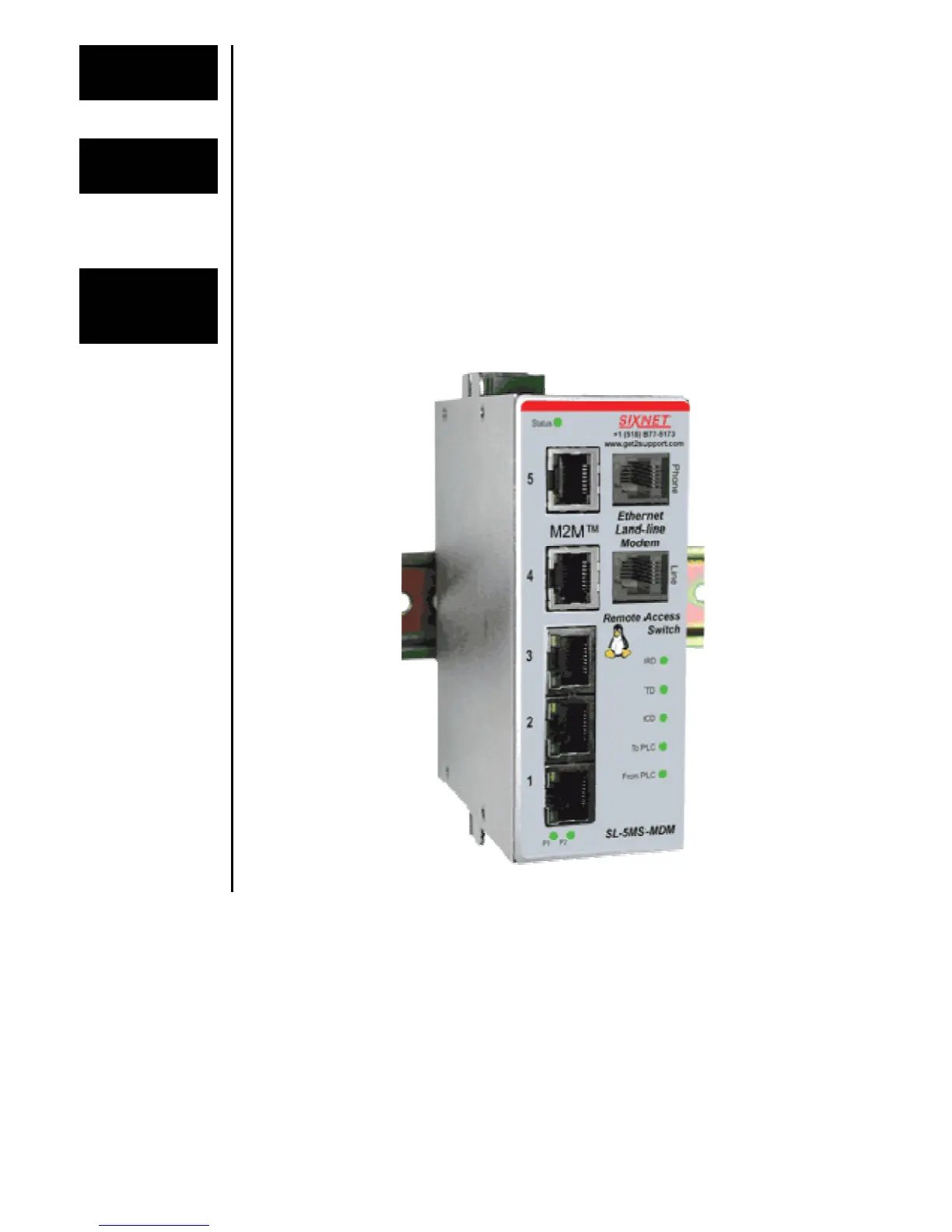
A standard cross-wired telephone patch cable should be used to connect to the phone line
provided by the phone company. Tip and Ring are the only two pins used on the Ethernet
Land-Line modem.
Telephone
Ports on
Modem Models



 To Next Page