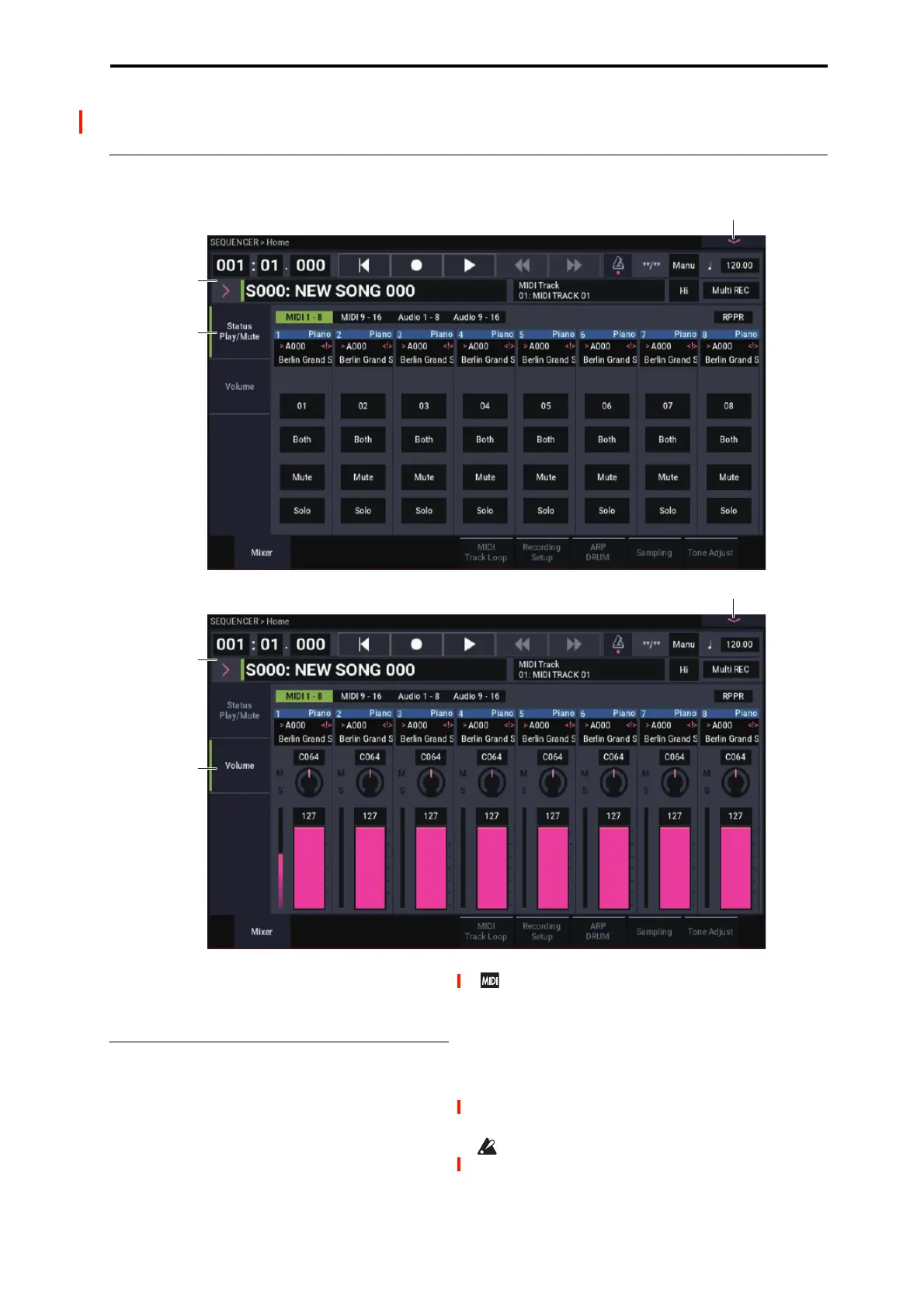
SEQUENCER > Home 0–1: Mixer
443
SEQUENCER > Home
0–1: Mixer
Here you can make basic settings for MIDI track recording
and playing back in the song, and can select the program that
will be used by each track.
0–1a: Location, Song/Track Select
Location [001:01.000…999:16.479]
This display shows the current position in the song.
From the left, the numbers are the measure (001–999), beat
(01–16), and clock (000–479). When you modify these
values, the current location will change.
When MIDI Clock (GLOBAL 1–1a) is set to Internal
(or Auto, if no MIDI clocks are being received), the
NAUTILUS will transmit Song Position Pointer
messages when the Location is changed.
Also, if the MIDI Clock parameter is set to External
MIDI (or Auto, if MIDI clocks are currently being
received), and Receive Ext. Realtime Commands
(GLOBAL 1–1a) is on, the Location will change in
response to received Song Position Pointer messages.
The range in which the beat and clock can be modified
will depend on the currently specified time signature.


 To Next Page
 Loading...