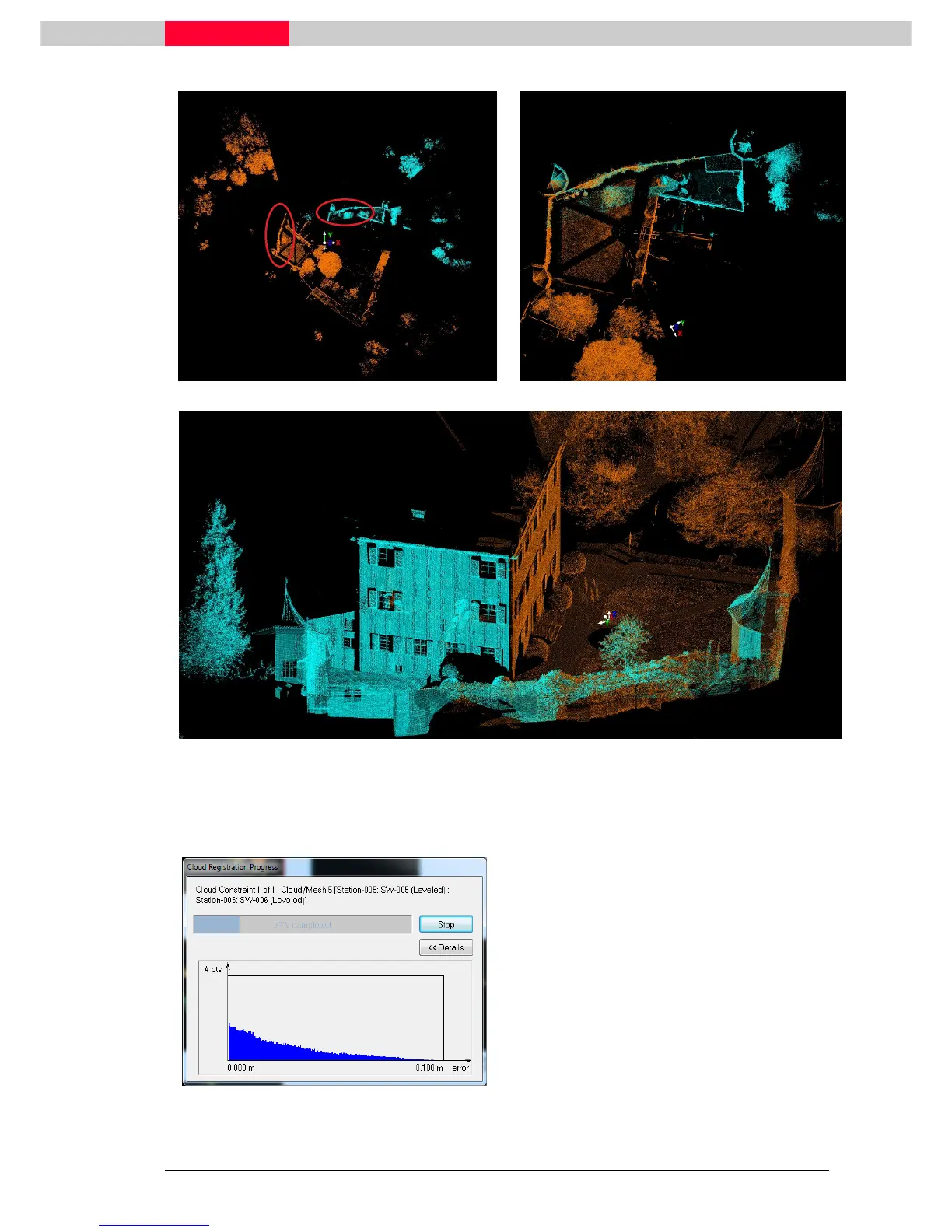
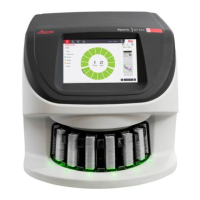
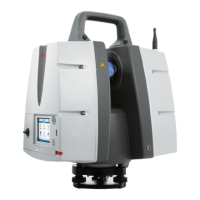
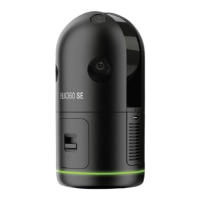
Figure 26
Figure 27
Figure 28
Once you are happy with the visual alignment, start the point cloud optimization.
•
From the Visual Alignment window go to
Tools | Optimize Constraint
Figure 29
This will start the cloud alignment optimization.
The algorithm will try to best fit the point
clouds on top of each other using a variant of
the iterative closest point (ICP) algorithm. The
algorithm is trying to calculate a maximum
point number to a minimum error displayed in
a half Gaussian curve (
not found.
). You are generally looking for lots
of overlapping points with a small as possible
remaining error.
The alignment results are then displayed in the
Optimize Cloud Alignment Results.
Figure 30



 To Next Page