8 - 32 Module 4.1 – Texture Mapping Organization/Visualization Pointcloud
•
Deselect
DeselectDeselect
Deselect any points currently picked on the point cloud in the
ModelSpace View
.
•
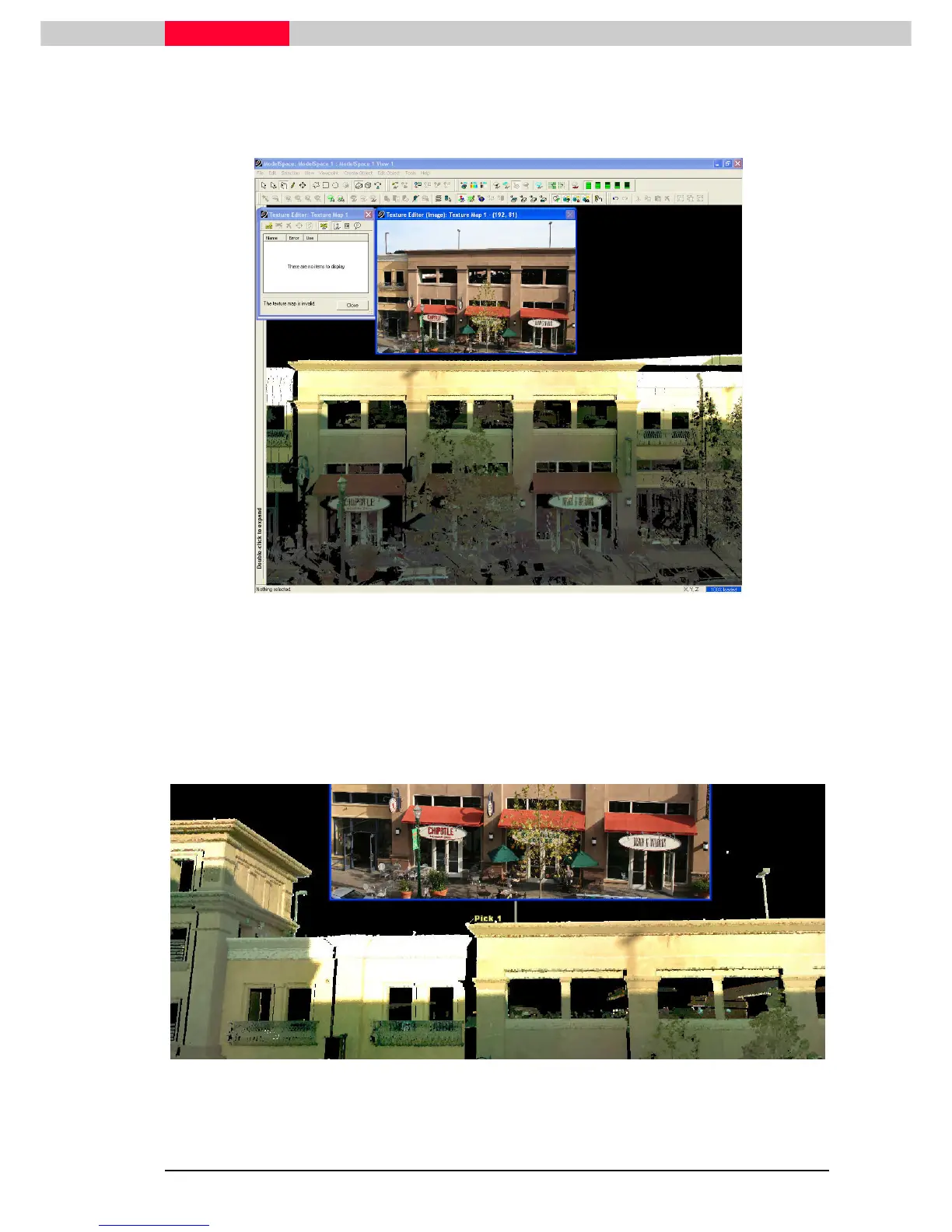
Resize the
Texture Editor (Image)
and navigate to the point cloud as shown.
Figure 12
Note the color difference between scan and picture.
Begin by selecting an area in the point cloud that can also be selected in the image.
•
Pick
PickPick
Pick the first point in the point cloud (left side on the roof of the building).
Check the picked point on the point cloud by changing the focal point to the
picked point and moving around.



 To Next Page