b)
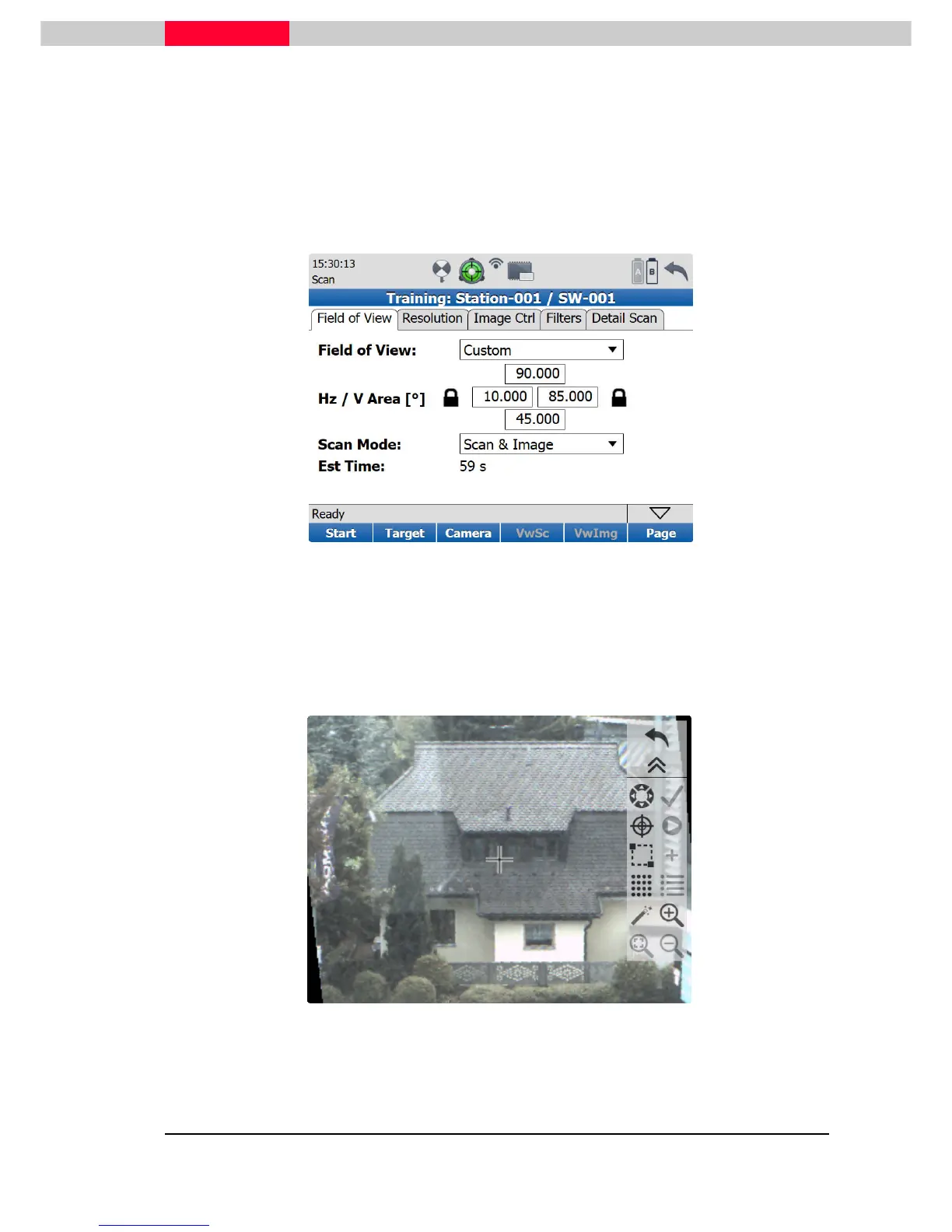
Custom View – Enter Hz / V Area values
The values for Left & Right and Bottom & Top have to be entered by using the numeric on board
keyboard. It appears when picking into a text box.
Figure 28
c)
Custom View – Draw a fence
A more comfortable way to define the field of view is to use the internal camera. On pressing
the
Camera
button, a window will appear showing the real-time picture of the situation.
Figure 29



 To Next Page