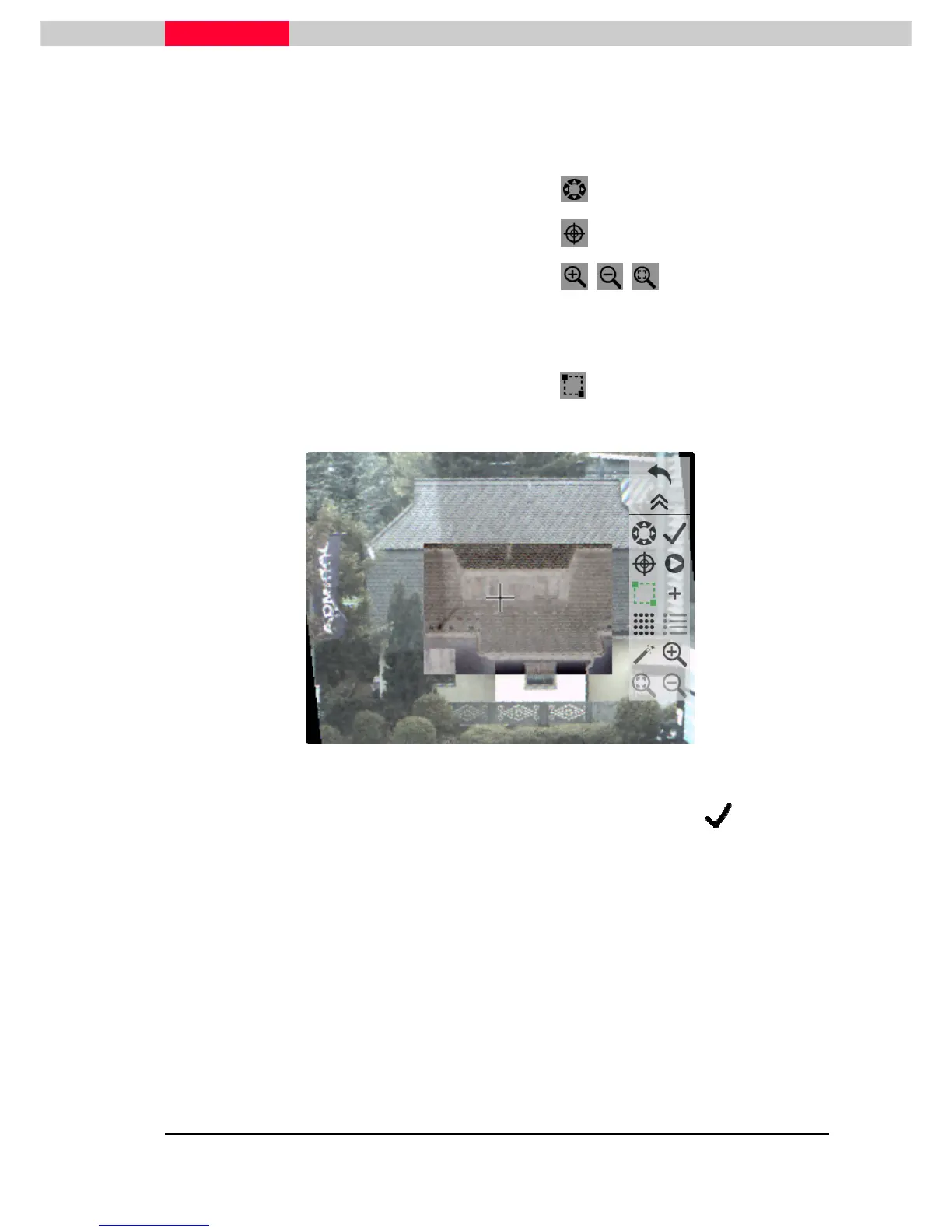
By using following buttons, the area of interest can be found:
•
Seek mode
to move the scanner in Hz and V
•
Pick mode
to center the picked point
•
Zoom in/out functionality
Using the:
•
Fence tool
will create a fence by pick and drag, see Figure 30.
Figure 30
The camera screen with the active fence can be accepted using the checkmark



 To Next Page