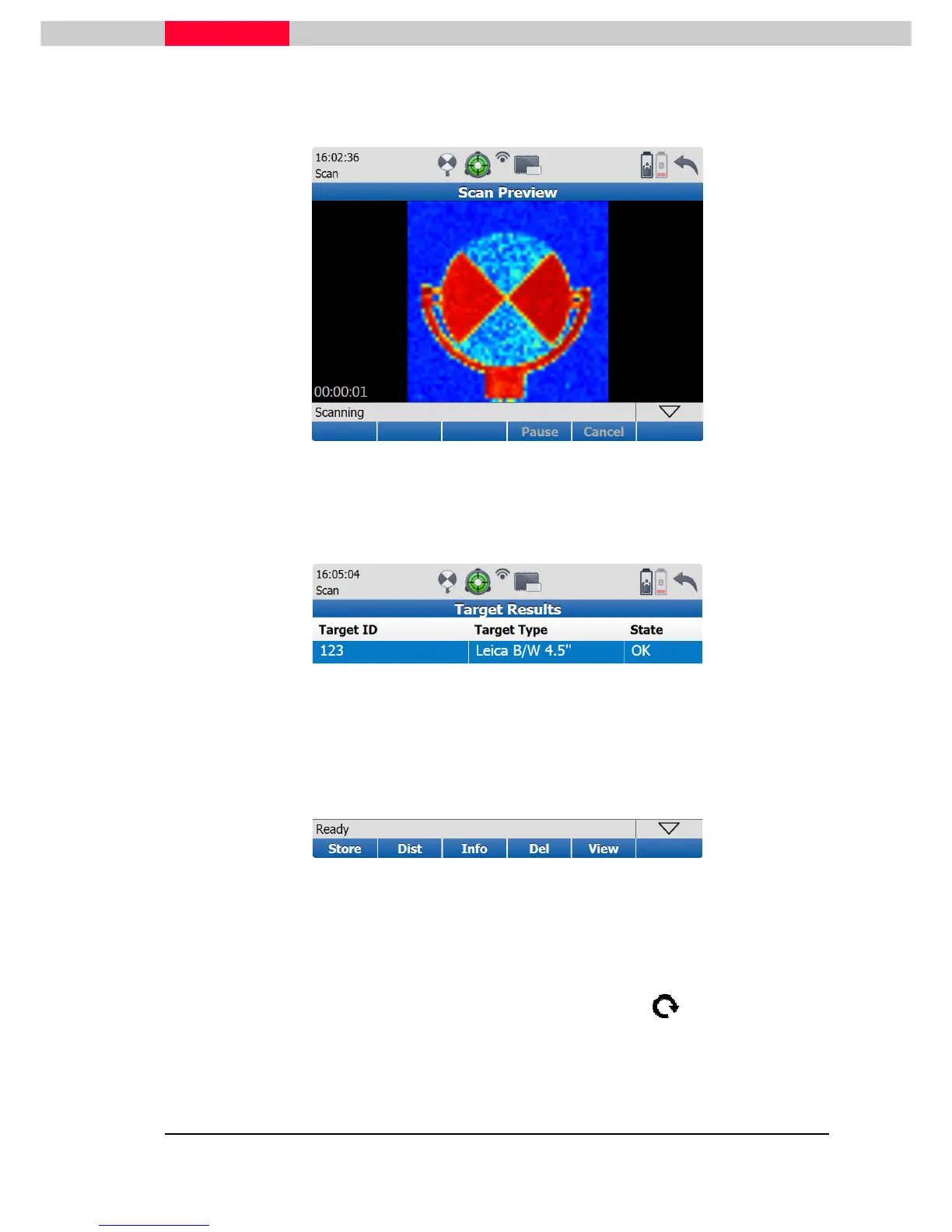
Figure 47
After the target acquisition, the target is now listed in the
Target Results
.
Figure 48
From this list you can call up information regarding the target with the
Info
soft key.
Furthermore you can see from the “State” column, whether the acquisition of the target was
successful or not. If it was successful the “State” info will be “OK” otherwise acquired targets
will have the info “BAD”.
It is possible to check the quality of the acquired targets visually. To do this pick the soft key
View
from this window and turn the perspective of the target with the . From this view you
will be able to make a solution if this scanned target is OK or not. After doing the quality check
you can go back to the Target Results window and save the targets with the
Store
soft key.



 To Next Page