19 - 32
•
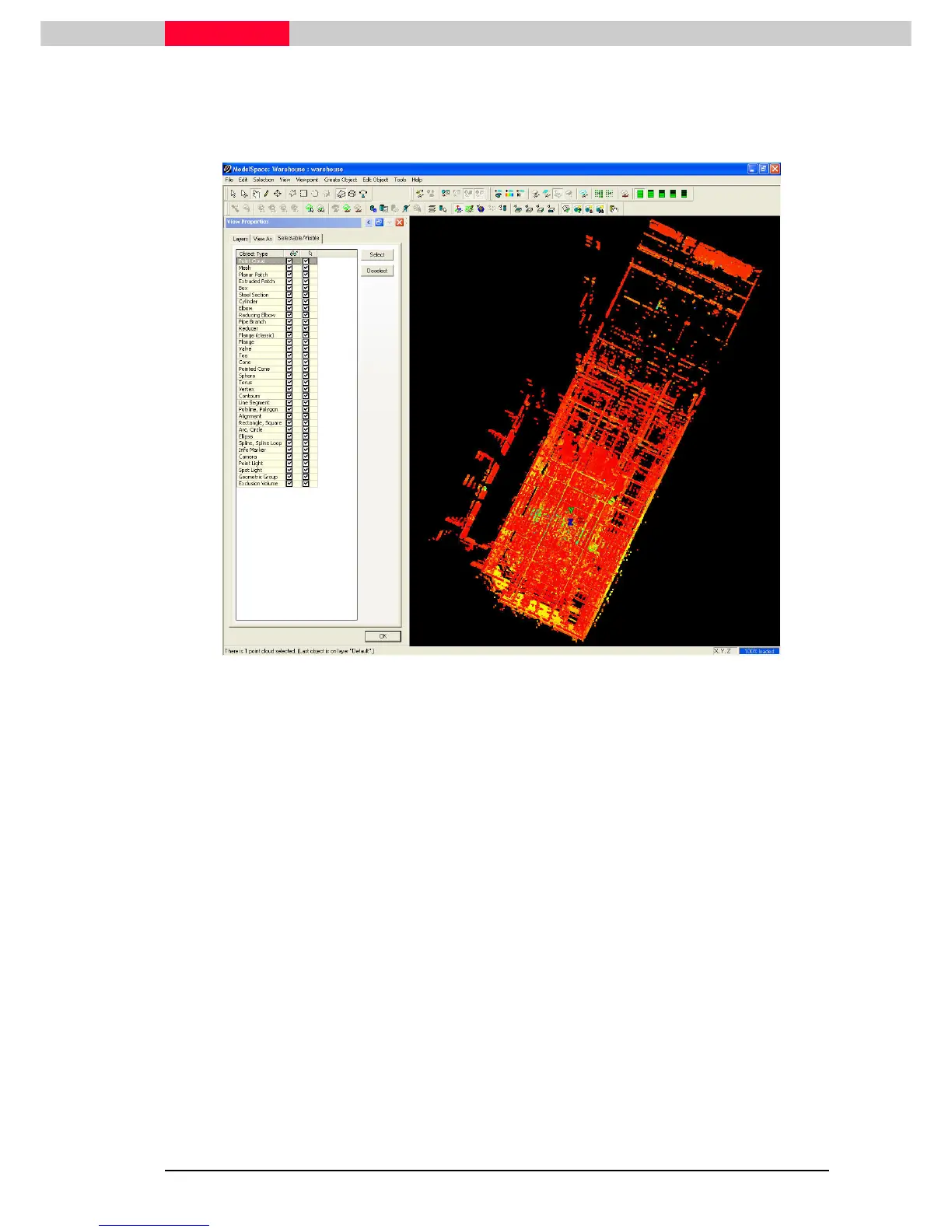
Click Selection | Set Selec
Selection | Set SelecSelection | Set Selec
Selection | Set Selectable...
table...table...
table...
•
Highlight
HighlightHighlight
Highlight the point cloud and click Select
SelectSelect
Select
Figure 35
Note the Status Bar There is 1 point cloud selected. Merge the clouds only if
there is more than one point cloud you want to texture at once. If so go to
Create Object
Create ObjectCreate Object
Create Object |
| |
|
Merge
MergeMerge
Merge to merge all clouds into one object.



 To Next Page