20 - 32 Module 4.1 – Texture Mapping Organization/Visualization Pointcloud
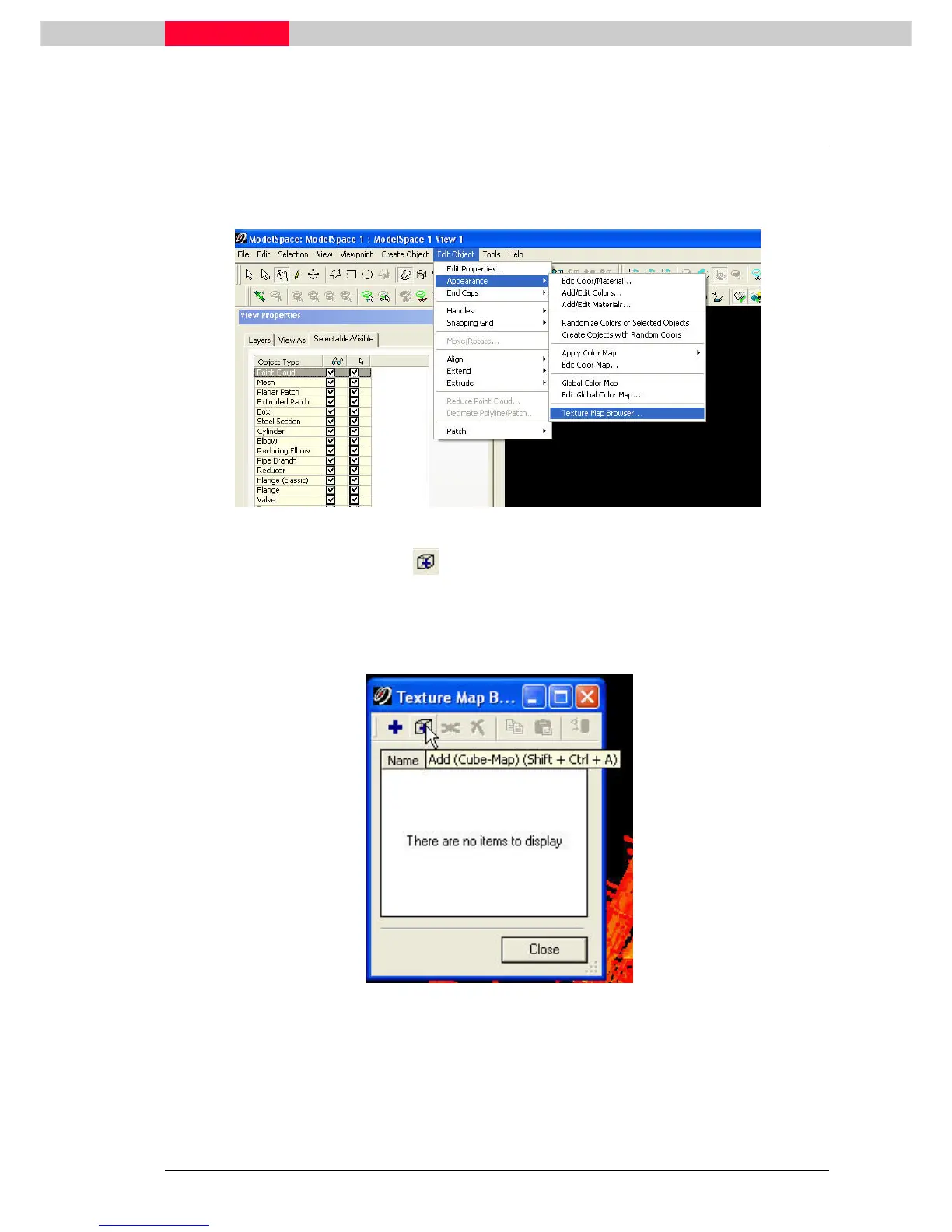
2.4 Texture Map Browser
Start the process of mapping common points in point clouds to pixels in photos.
•
Select Edit Object | Appearan
Edit Object | AppearanEdit Object | Appearan
Edit Object | Appearance | Texture Map Browser
ce | Texture Map Browserce | Texture Map Browser
ce | Texture Map Browser
Figure 36
•
Click the Add
AddAdd
Add (Cube
(Cube (Cube
(Cube-
--
-Map)
Map)Map)
Map) button
Make sure you have the point cloud selected or the plus” sign will be grayed out.
If so pick a point anywhere on point cloud to enable the Add button.
Figure 37



 To Next Page