GUI Reference
R&S
®
ZNB/ZNBT
673User Manual 1173.9163.02 ─ 55
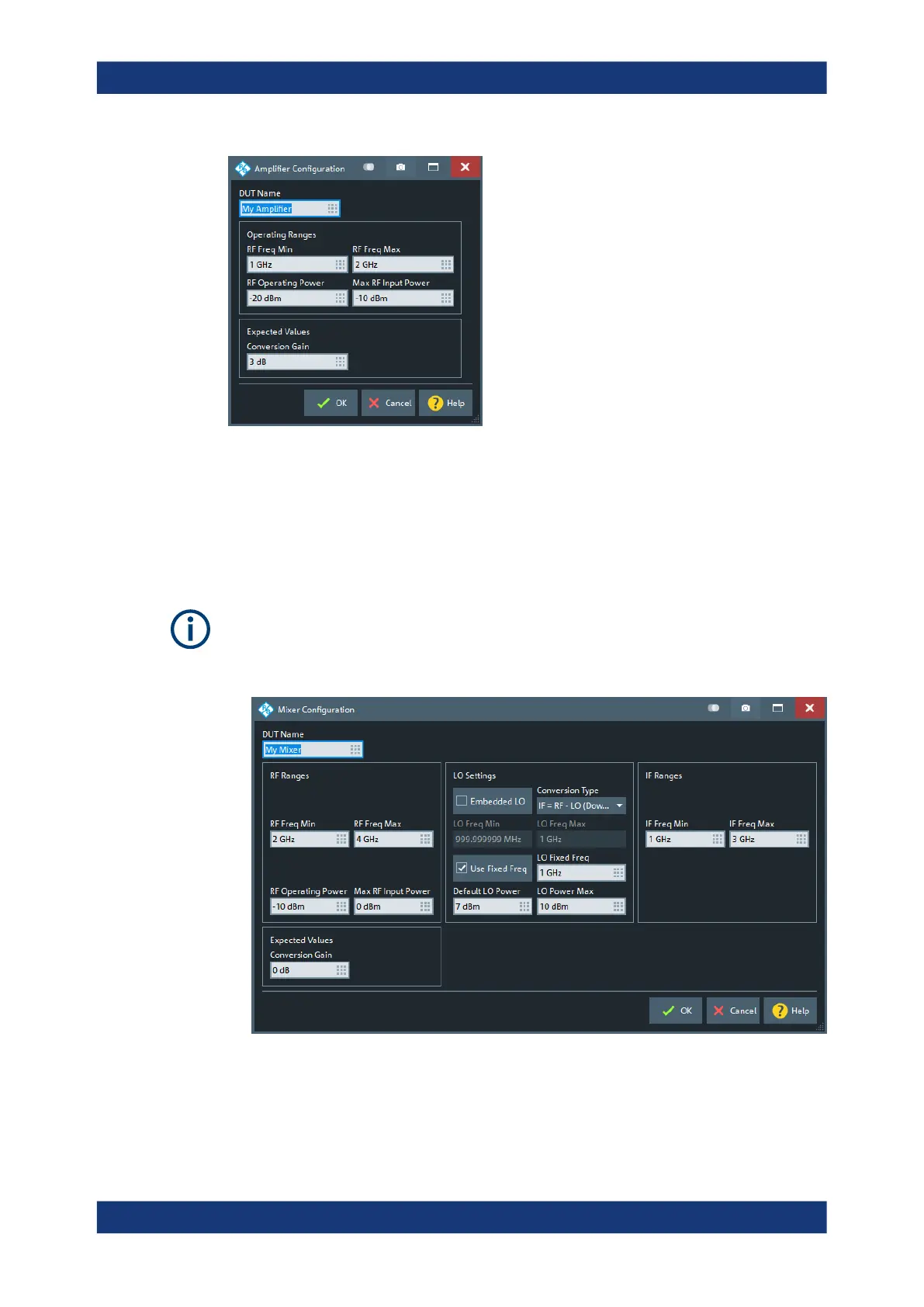
Access: DUT Manager Dialog > "Edit..." with a DUT of type "Amplifier" selected
Mixer Configuration Dialog
The "Mixer Configuration" dialog allows you to set up the fundamental properties of a
mixer.
Access: DUT Manager Dialog > "Edit..." with a DUT of type "Mixer" selected
The DUT type "Mixer" is only availble if the instrument is equipped with software
optionR&S ZNB/ZNBT-K4. See Chapter 5.7.4, "Frequency Conversion Measure-
ments", on page 215.
Most of the mixer properties are straight-forward
Applic Softtool



 To Next Page