C
HAPTER
6
| VLAN Configuration
Protocol VLANs
– 214 –
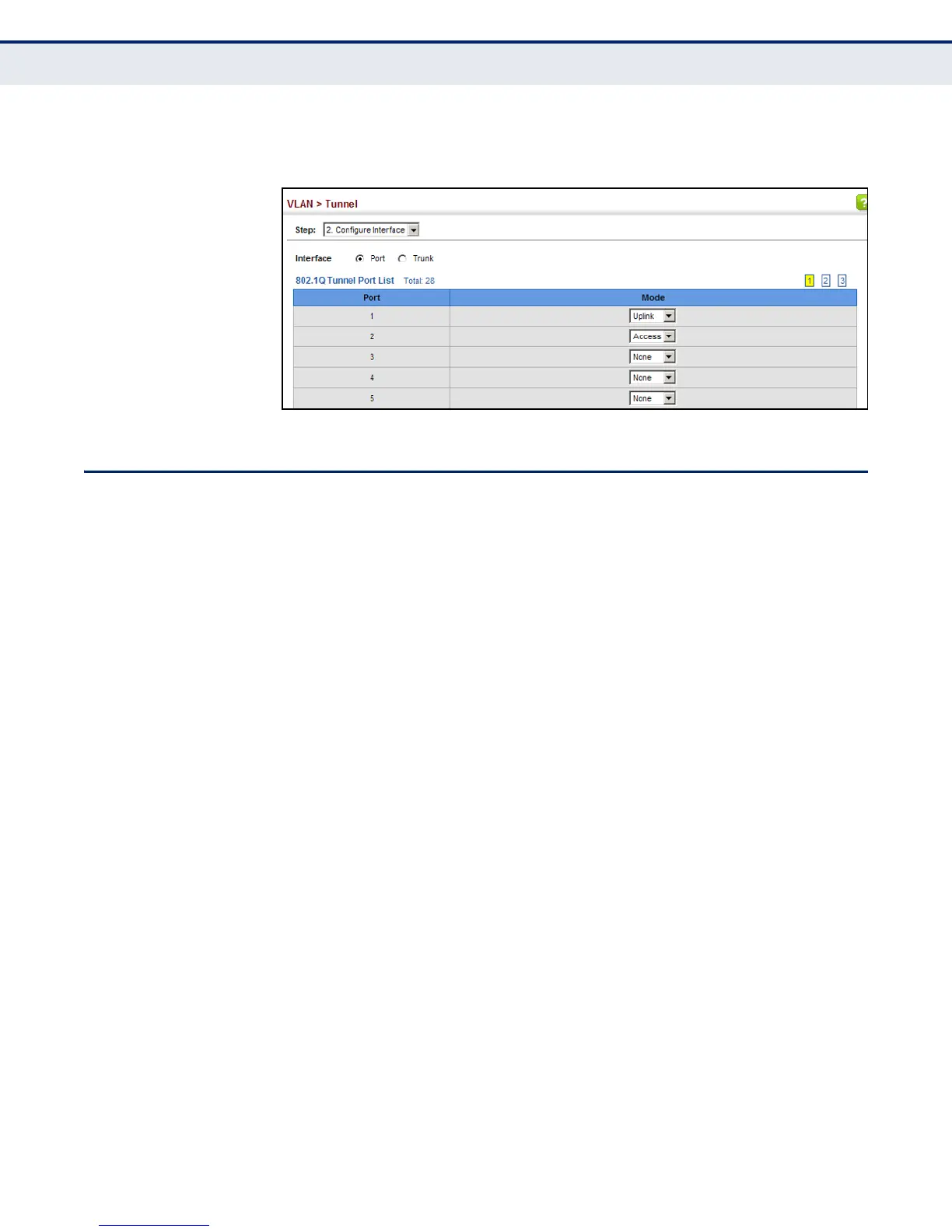
4. Click Apply.
Figure 82: Adding an Interface to a QinQ Tunnel
PROTOCOL VLANS
The network devices required to support multiple protocols cannot be
easily grouped into a common VLAN. This may require non-standard
devices to pass traffic between different VLANs in order to encompass all
the devices participating in a specific protocol. This kind of configuration
deprives users of the basic benefits of VLANs, including security and easy
accessibility.
To avoid these problems, you can configure this switch with protocol-based
VLANs that divide the physical network into logical VLAN groups for each
required protocol. When a frame is received at a port, its VLAN
membership can then be determined based on the protocol type being
used by the inbound packets.
COMMAND USAGE
◆ To configure protocol-based VLANs, follow these steps:
1. First configure VLAN groups for the protocols you want to use (see
"Editing VLAN Groups" on page 1131). Although not mandatory, we
suggest configuring a separate VLAN for each major protocol
running on your network. Do not add port members at this time.
2. Create a protocol group for each of the protocols you want to assign
to a VLAN using the Configure Protocol (Add) page.
3. Then map the protocol for each interface to the appropriate VLAN
using the Configure Interface (Add) page.
◆ When MAC-based, IP subnet-based, and protocol-based VLANs are
supported concurrently, priority is applied in this sequence, and then
port-based VLANs last.














 To Next Page