Chapter 3
Theory of Operation
Trimble S, VX, SPS & RTS Service Manual3 - 60 P/N 57150002, Revision 5.0
F
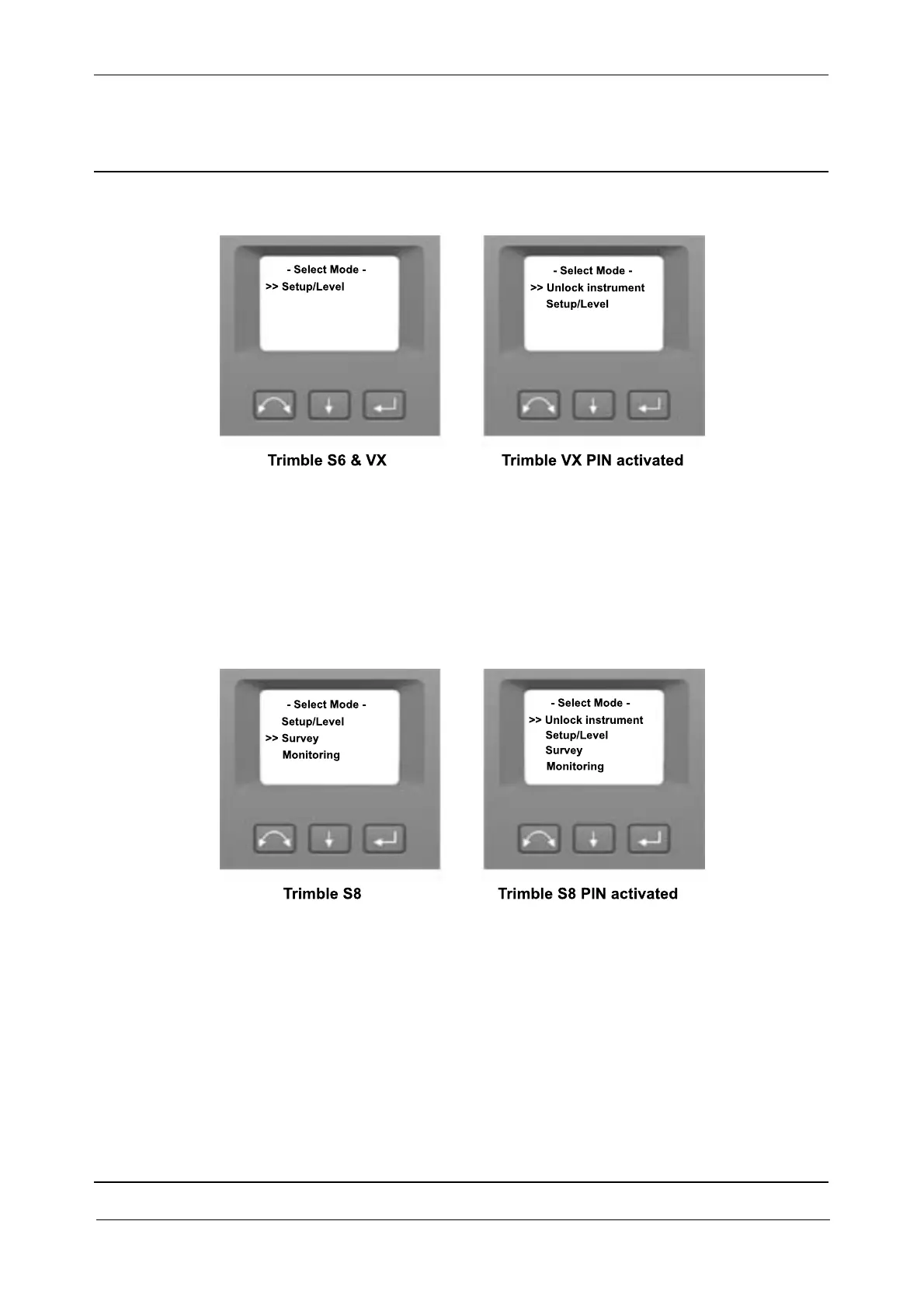
Fig. 3-54 Trimble S6 & VX face display startup menu
Trimble S8 menu
Setup/Level - Trimble S8 Setup & level menu.
Survey - Start-up in Survey mode
Monitoring - Start-up in Monitoring mode
Unlock instrument - If security (PIN-code) is activated.
Fig. 3-55 Trimble S8 face2 display startup menu
Trimble SPS menus
Setup/Level - Trimble SPS Setup & level menu.
Site Positioning - Start-up in Site Positioning mode
Trimble Mach Contr - Start-up in Machine control mode
OEM Mach Contr - Start-up in OEM Machine control mode
Unlock instrument - If security (PIN-code) is activated.



 To Next Page