Chapter 5
Maintenance and Repair
P/N 57150002, Revision 5.0 5 - 39 Trimble S, VX, SPS & RTS Service Manual
F
Face 2 panel replacement
Performance
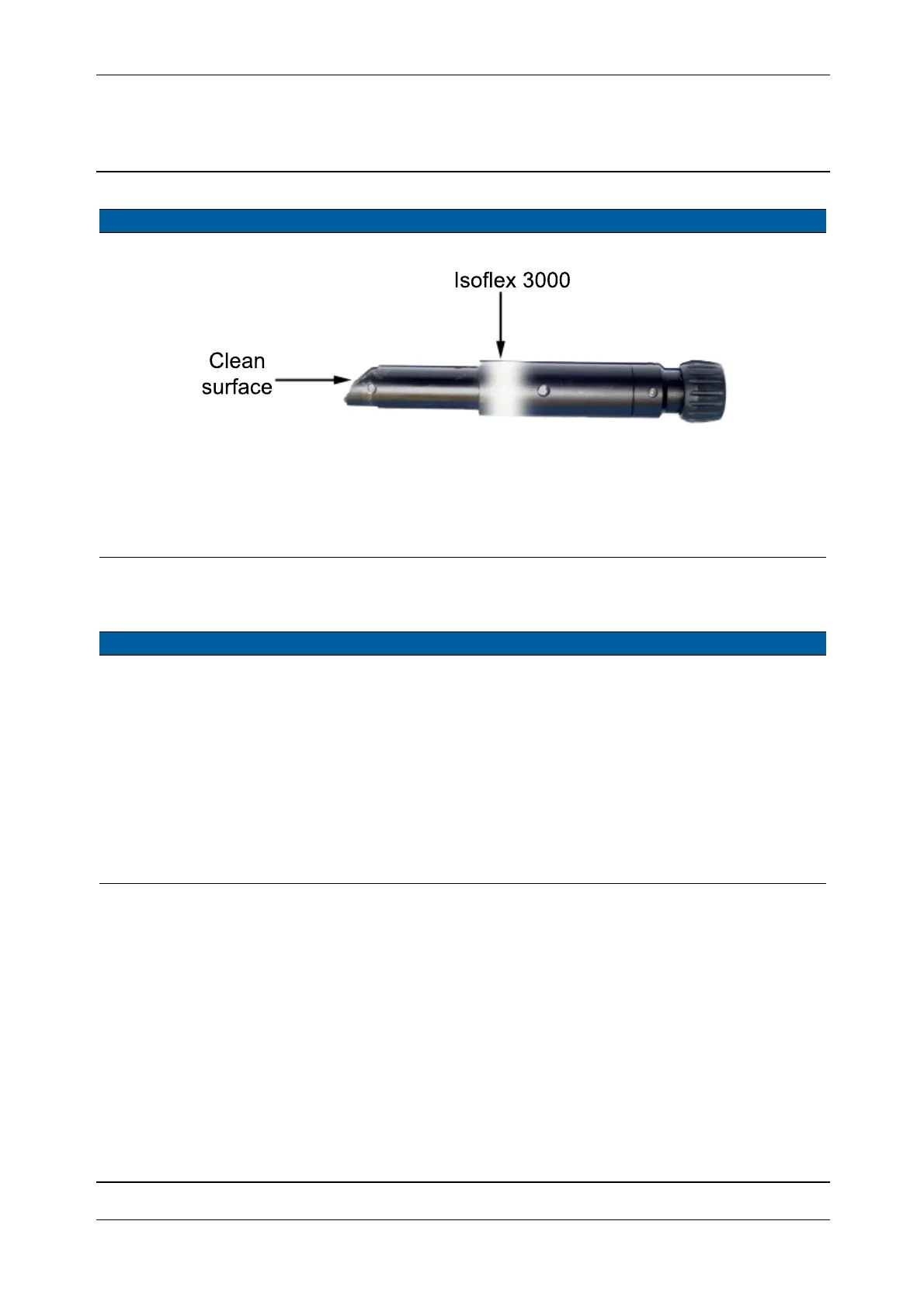
Fig. 5-37 Greasing of optical plummet
5 Align optical
plummet.
See page 6-22.
6 Mount IPC board. See page 5-17.
7 Mount servo side
cover.
See page 5-15.
Item Performance Action Results Notes
1 Remove optical
plummet.
See page 5-38.
2 Replace face 2 panel. A. Remove the two
screws and disconnect
the cable to the PSM
board.
B. Replace panel.
C. Mount cable and
screws.
35 Ncm. Use a torque wrench
with a torx T10 bit.
Note – When
mounting the
attachment make sure
the hook is in correct
place.
Item Performance Action Results Notes



 To Next Page