Chapter 6
Adjustment and verification
P/N 57150002, Revision 5.0 6 - 43 Trimble S, VX, SPS & RTS Service Manual
F
Reticle adjustment
This is a procedure to adjust reticle in its horizontal position under permanent attention of the
preselected vertical reference angle (tracker receiver or centring tool).
See page 6-35 to check the reticle collimation
Performance
3 Read vertical angle. A. Aim the instruments
cross-hairs to the
collimator cross-hairs.
B. Record the vertical
angle.
This angle will be
used as vertical
reference angle for
reticle- and tracker
receiver adjustment.
Item Performance Description Result Notes
1 Run tilt sensor offset. A. Place the instrument
on the collimator.
B. Connect instrument to
PASS.
C. Select
Reticle
adjustment
from
Reticle in Maintenance
& Service
, see Fig. 6-
34 on page 6-44 .
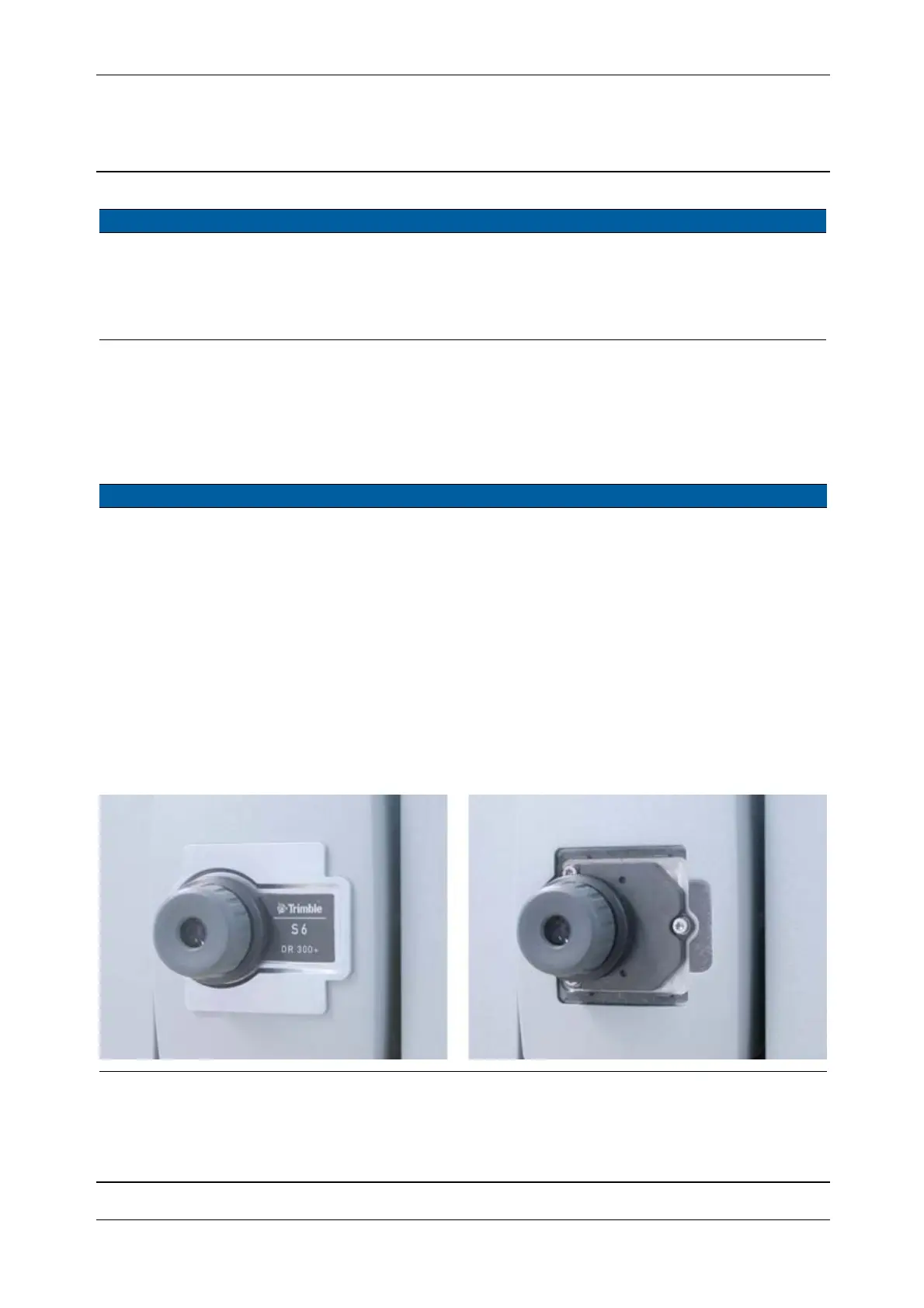
2 Remove plate behind
eyepiece.
A. Remove the eyepiece.
B. remove the plate
behind eyepiece and
mount the eyepiece.
Fig. 6-33 Reticle adjustment tool attachment
Item Performance Description Result Notes



 To Next Page