Chapter 6
Adjustment and verification
P/N 57150002, Revision 5.0 6 - 35 Trimble S, VX, SPS & RTS Service Manual
F
Determination (check) of reticle collimation
Performance
Item Performance Description Result Notes
1 Start up instrument /
PASS.
See page 7-3 how to set-
up the instrument.
2 Run Tilt offset. Run
Tilt sensor offset in
Final Test & Report.
3 Start Reticle
adjustment software
and level instrument.
A. Place the instrument
on the collimator.
B. Select
Reticle
adjustment
from
Reticle in Maintenance
& Service
.
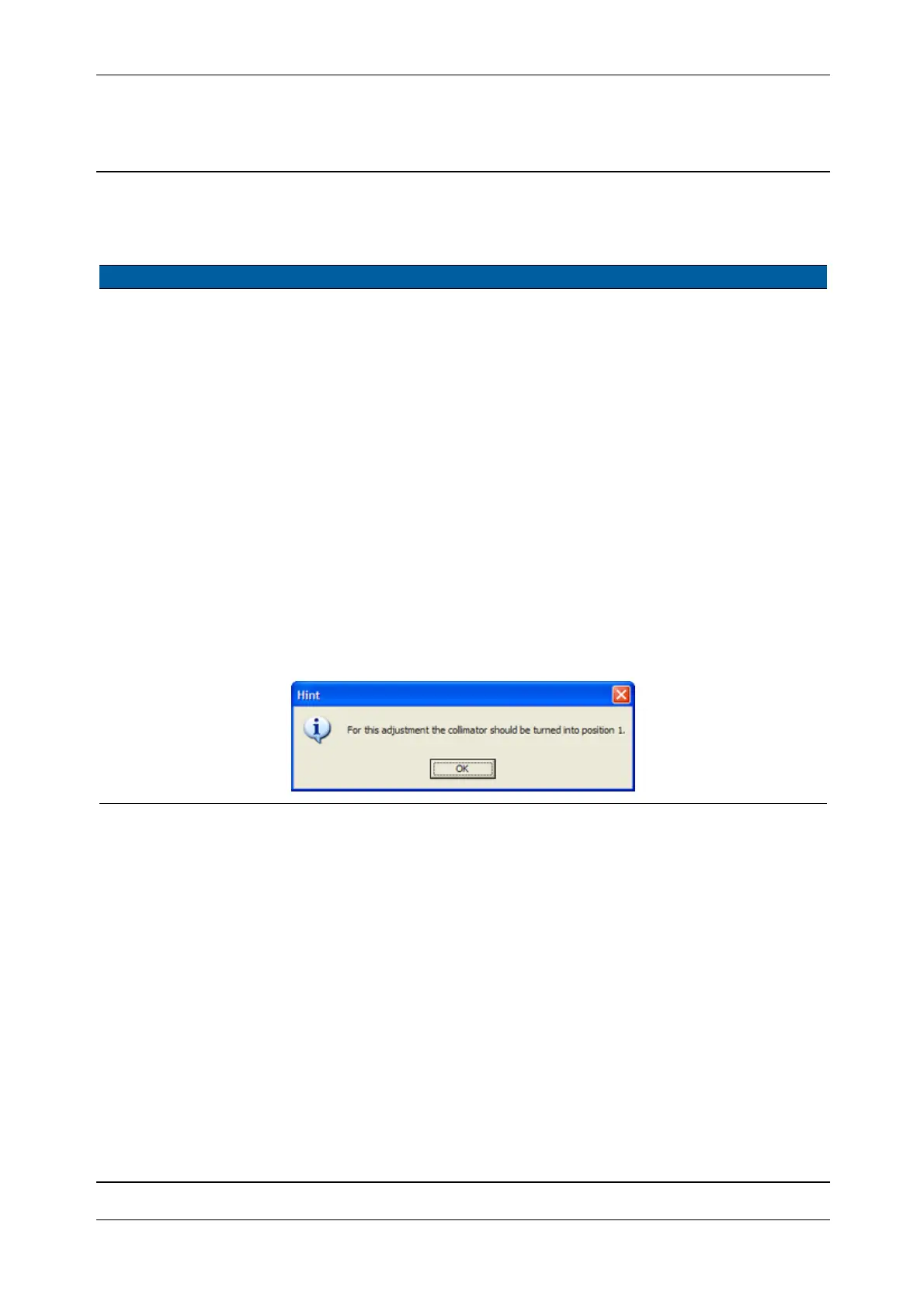
C. Set collimator position
to 1 and click OK, see
page 6-35.
D. Select
Level the
instrument
check box,
see page 6-36.
E. Level instrument and
click
Level OK.
Level < 10 Collimator used must
be aligned, see page
6-32.
Fig. 6-23 Reticle adjustment hint



 To Next Page