Chapter 4
Troubleshooting
P/N 57150002, Revision 4.0 4 - 11 Trimble S6, S8, VX, SPS & RTS Service Manual
F
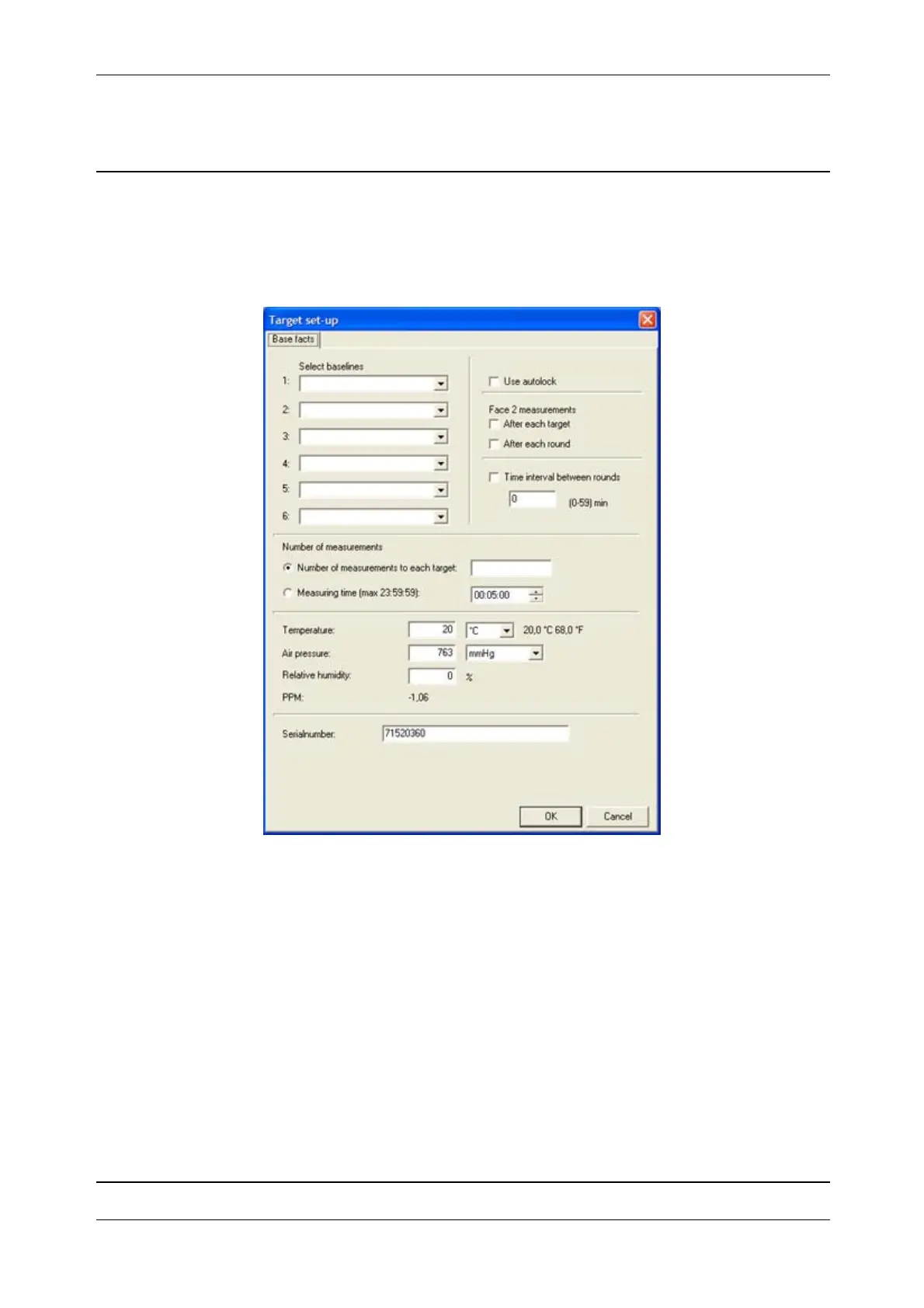
Target set-up
Setting up targets measuring conditions for the logging software.
Fig. 4-13 Target set-up menu
Target set-up menu:
•
Select baselines - baselines from the baseline editor is available to select.
•
Use autolock - if measuring to prism the tracker will lock on before measuring the distance.
•
Face 2 measurements - select face 2 measurements after each measured target or after each
measured round.
•
Time interval between rounds - set a time interval between rounds.
•
Number of measurements - select number of measurements to each target or the measuring time
(max. 23 hour 59 minutes 59 seconds.
•
PPM - set the temperature, air pressure and humidity.
Click
OK button when selection is made.



 To Next Page