Chapter 6
Adjustment and verification
P/N 57150002, Revision 5.0 6 - 31 Trimble S, VX, SPS & RTS Service Manual
F
Firmware upgrade
• Firmware upgrade
Tools and equipment
Firmware upgrade
Performance
Description Part number
Firmware update file Available on Partners
Internal battery 49400
Item Performance Description Result Notes
1 Start up instrument /
PASS.
See page 7-3 how to set-up
the instrument.
2 Insert an internal
battery
3 Update instrument
firmware.
A. Select
Firmware update
from Firmware in
Maintenance & service
B. Follow instr.
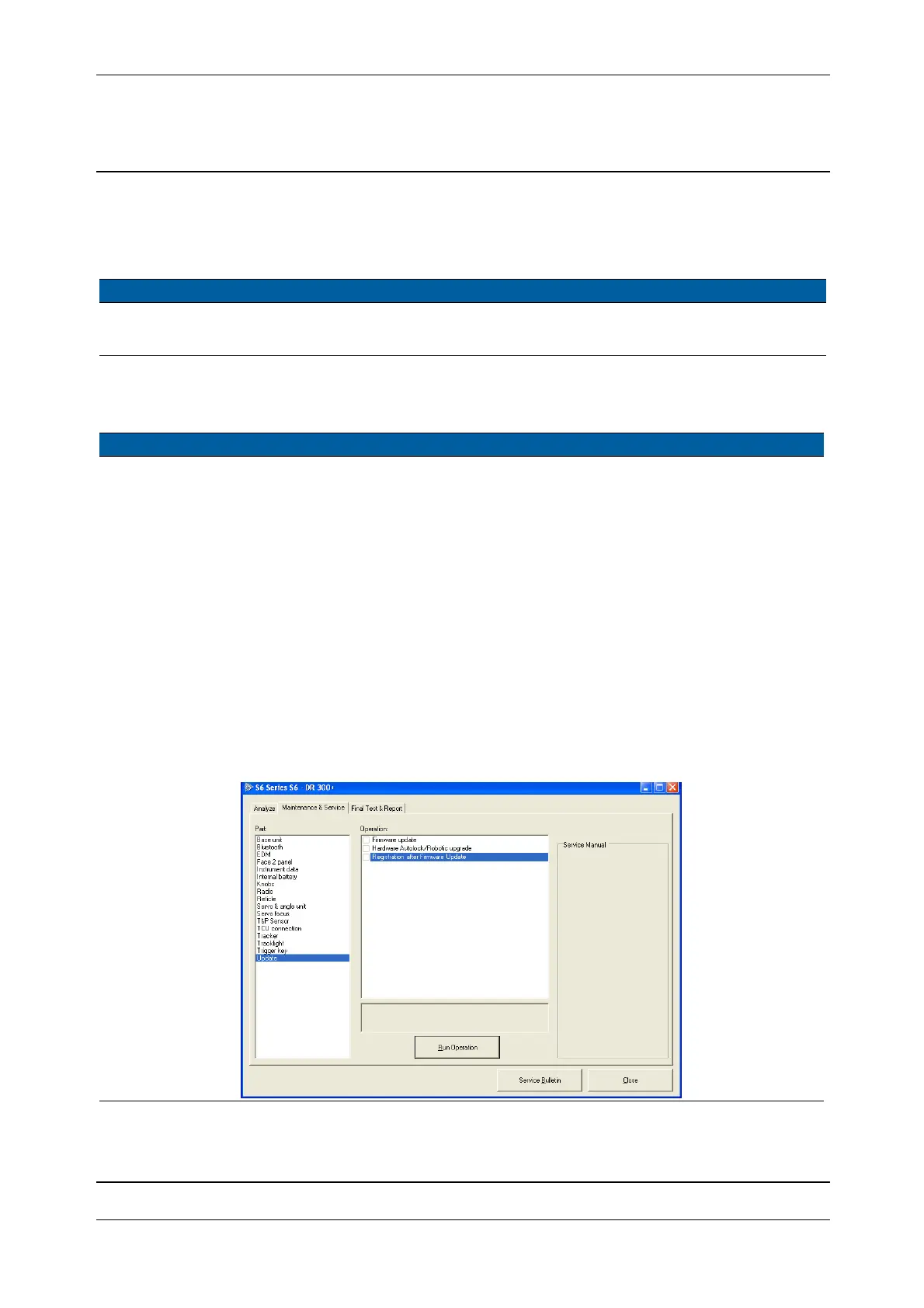
4 Register correct PASS
driver.
A. Select
Registration
after Firmware Update
from Update in
Maintenance & Service.
Firmware update will
install incorrect
driver, Registration
after Firmware
Update will install
correct driver.
Fig. 6-20 Registration after firmware update



 To Next Page