Chapter 6
Adjustment and verification
Trimble S, VX, SPS & RTS Service Manual6 - 78 P/N 57150002, Revision 5.0
F
Crosstalk test
Performance
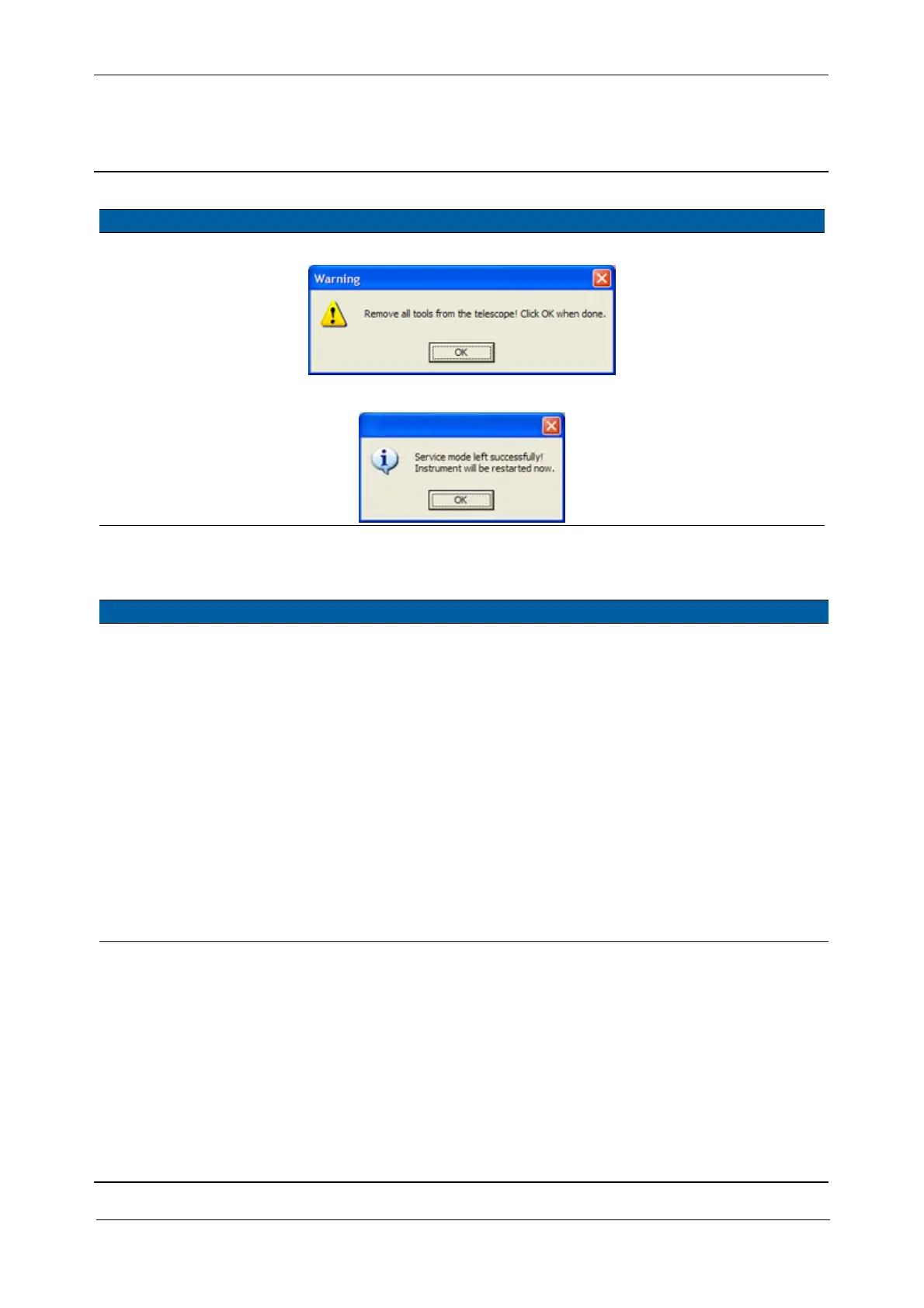
Fig. 6-86 Reference fibre check, exit info
Fig. 6-87 APD / Reference fibre software, exit info
Item Performance Description Result Notes
1 Start up instrument /
PASS.
See page 7-3 how to set-up
the instrument.
2 Check crosstalk
channel A and B.
A. Select
Optical cross
talk
from EDM in
Maintenance & Service,
Fig. 6-88.
B. Switch on Laser
pointer.
C. Select the
Test
crosstalk
check box.
D. Aim to the 2,5 m DR
target.
E. Select the
Channel A
check box.
F. Do the same with
channel B.
<16,67% of the
target amplitude
in both
channels.
Item Performance Description Result Notes



 To Next Page