Chapter 5
Maintenance and Repair
P/N 57150002, Revision 5.0 5 - 11 Trimble S, VX, SPS & RTS Service Manual
F
Battery lid replacement
Performance
2 Configure the radio. See page 6-2. Configuration of
radio is done to
Global or French
settings.
Item Performance Action Results Notes
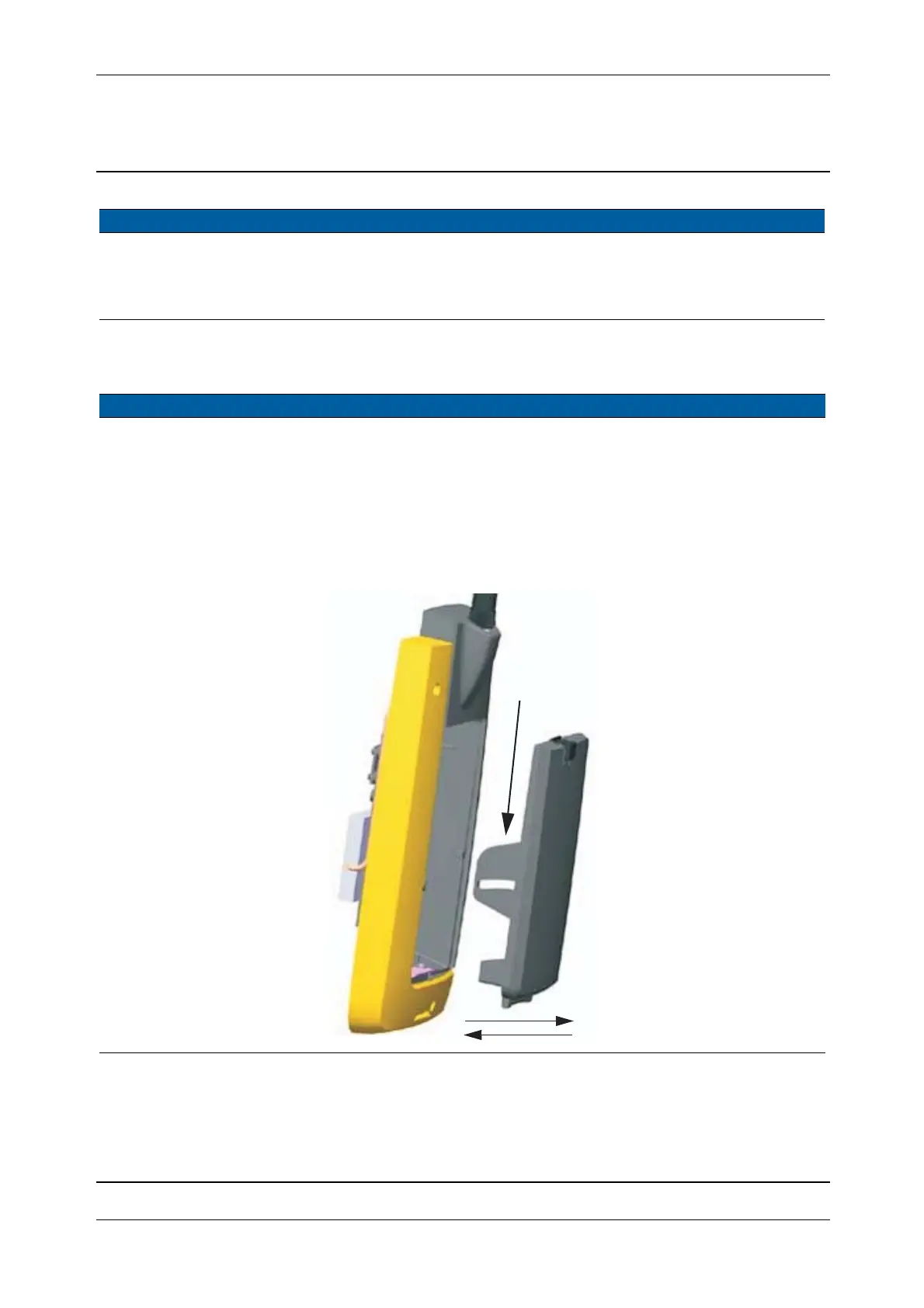
1 Replace lid. A. Open the lid.
B. Press together the
guiding arms.
C. Remove the lid.
D. Press together the
guiding arms and
mount the lid.
Fig. 5-14 Battery lid removed
Item Performance Action Results Notes
Press



 To Next Page